A workshop booking that takes payment: the visitor picks a date and session, accepts the terms and pays with PayPal.
Try it
Pick any date and pay with the PayPal sandbox buyer below.
Try a test payment. Log in to PayPal with the sandbox buyer below. No real money is taken.
PayPal sandbox buyer:
US: sb-xl88553579245@personal.example.com
QmA%0=/?
UK: sb-ptney53512402@personal.example.com
w@X5kXAC
DE: sb-lceto53587461@personal.example.com
-uO)|C2r
How it’s built
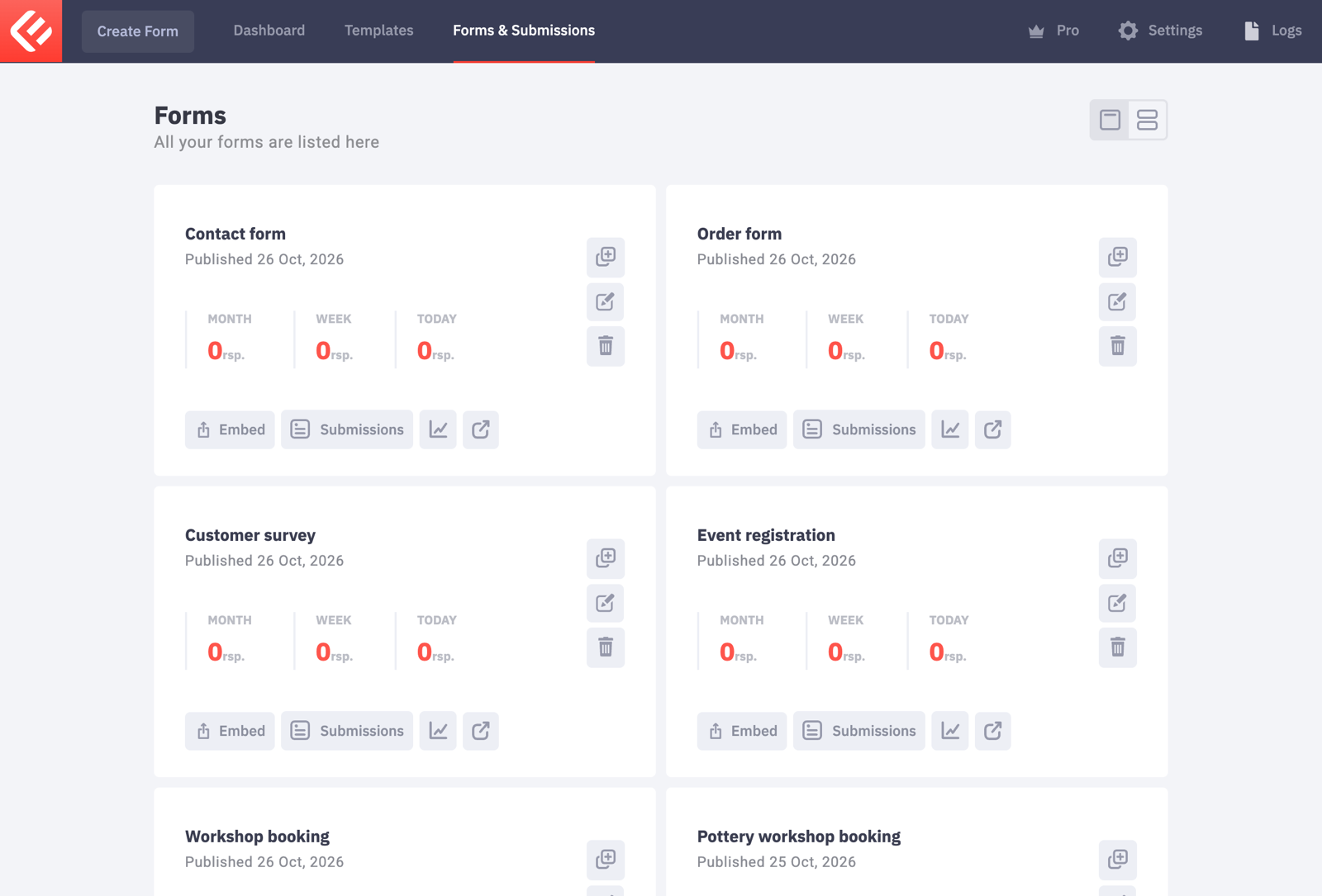
In your WordPress admin, open Epic Forms → Forms & Submissions and click Create Form. Give it a name you’ll recognise later.
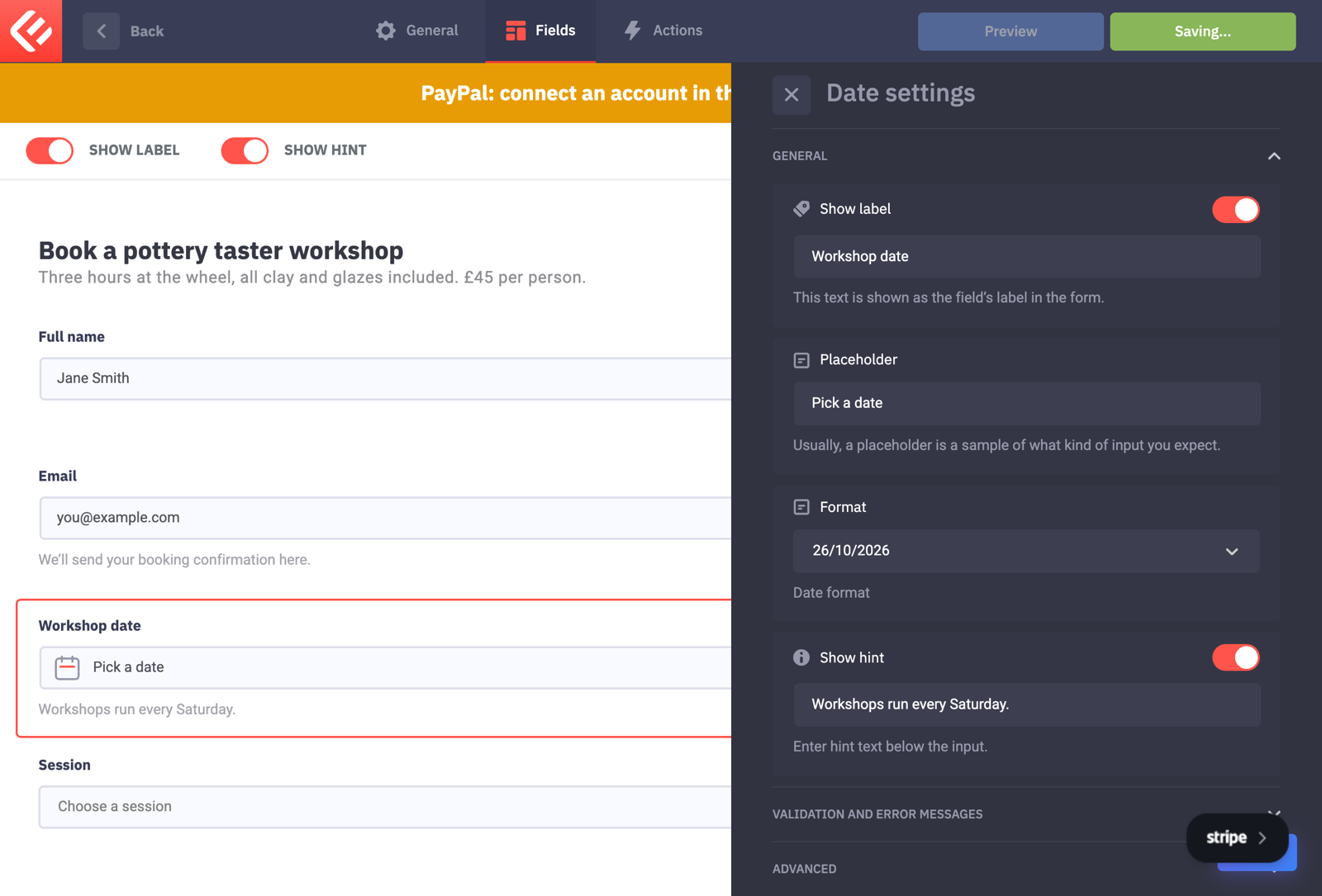
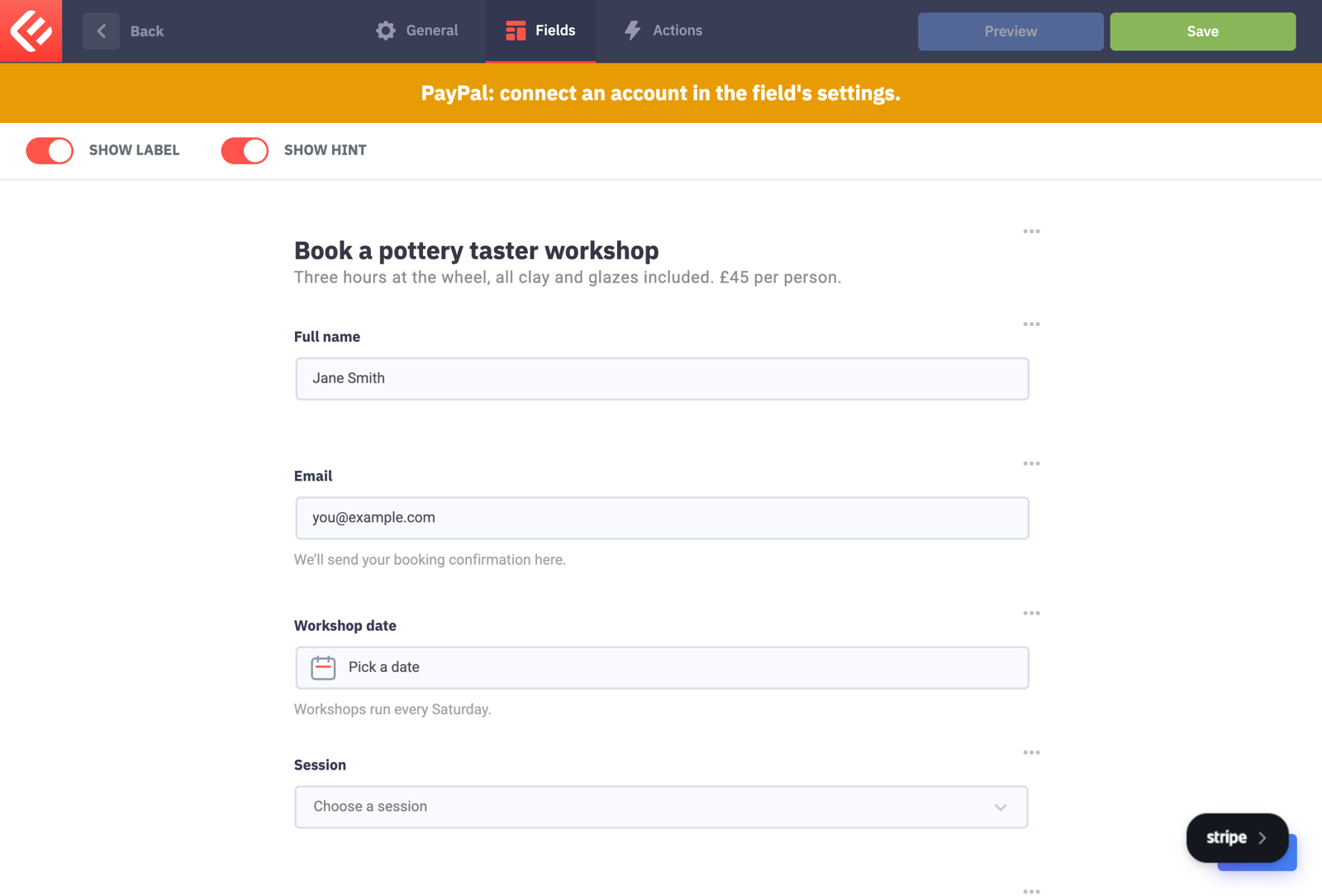
On the Fields tab add a Title, Full Name, Email and a Date field. In the Date field’s settings choose the Date format your visitors expect.
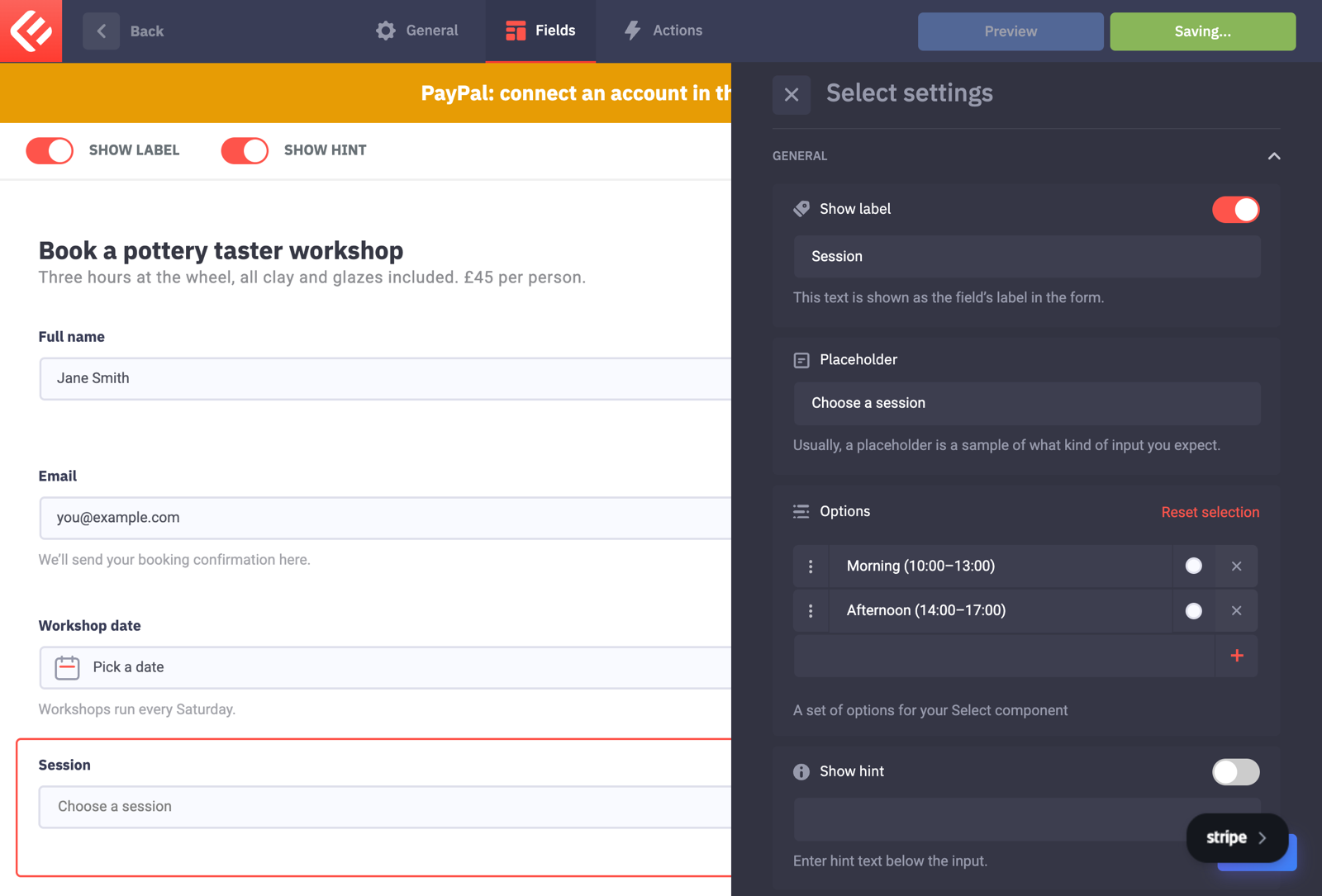
Add a Select field for the session. Under Options, type one choice per option: “Morning (10:00–13:00)” and “Afternoon (14:00–17:00)”. Mark it Required.
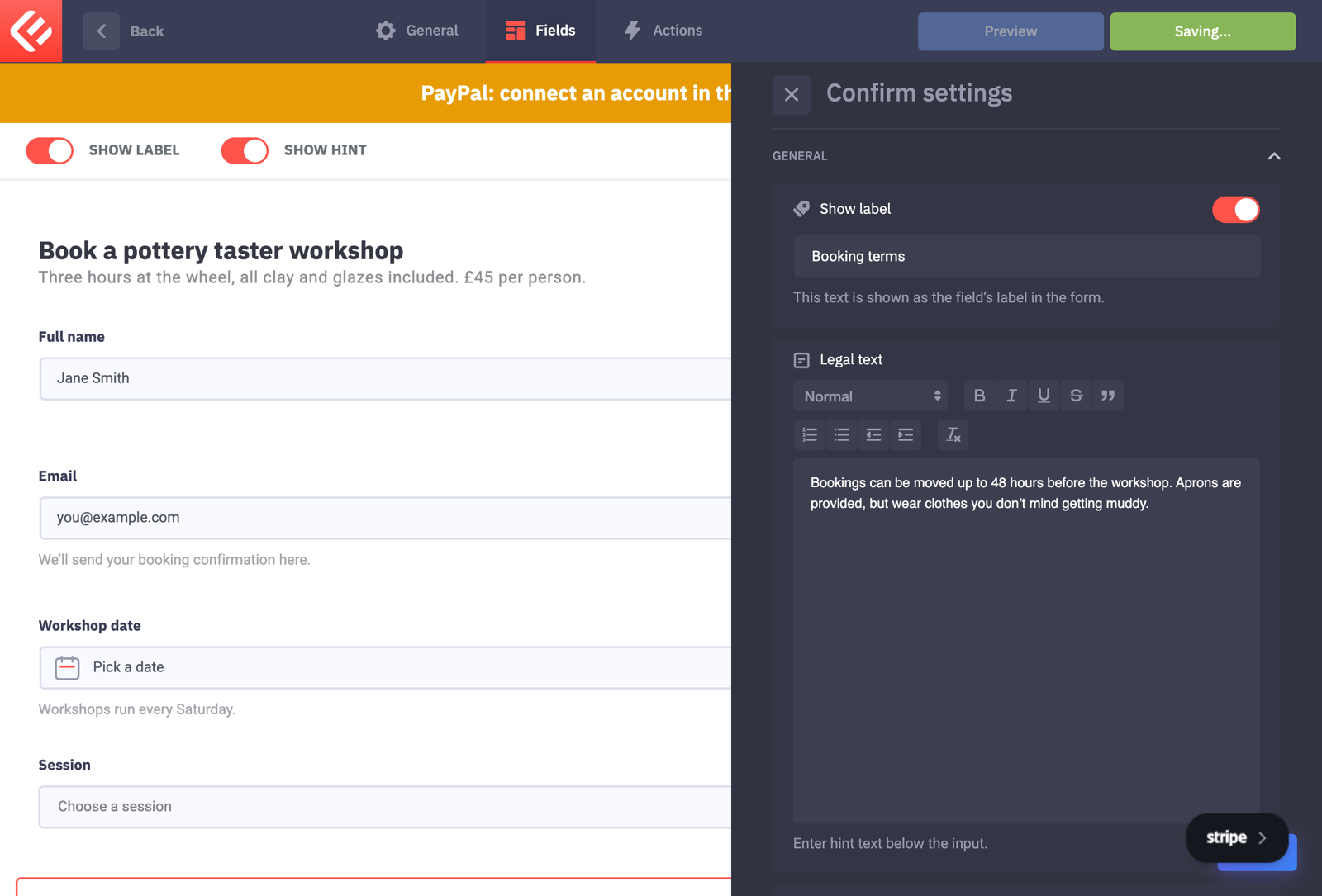
Add a Confirm field for your booking terms. Put the terms in Legal text and the checkbox wording in Confirm text.
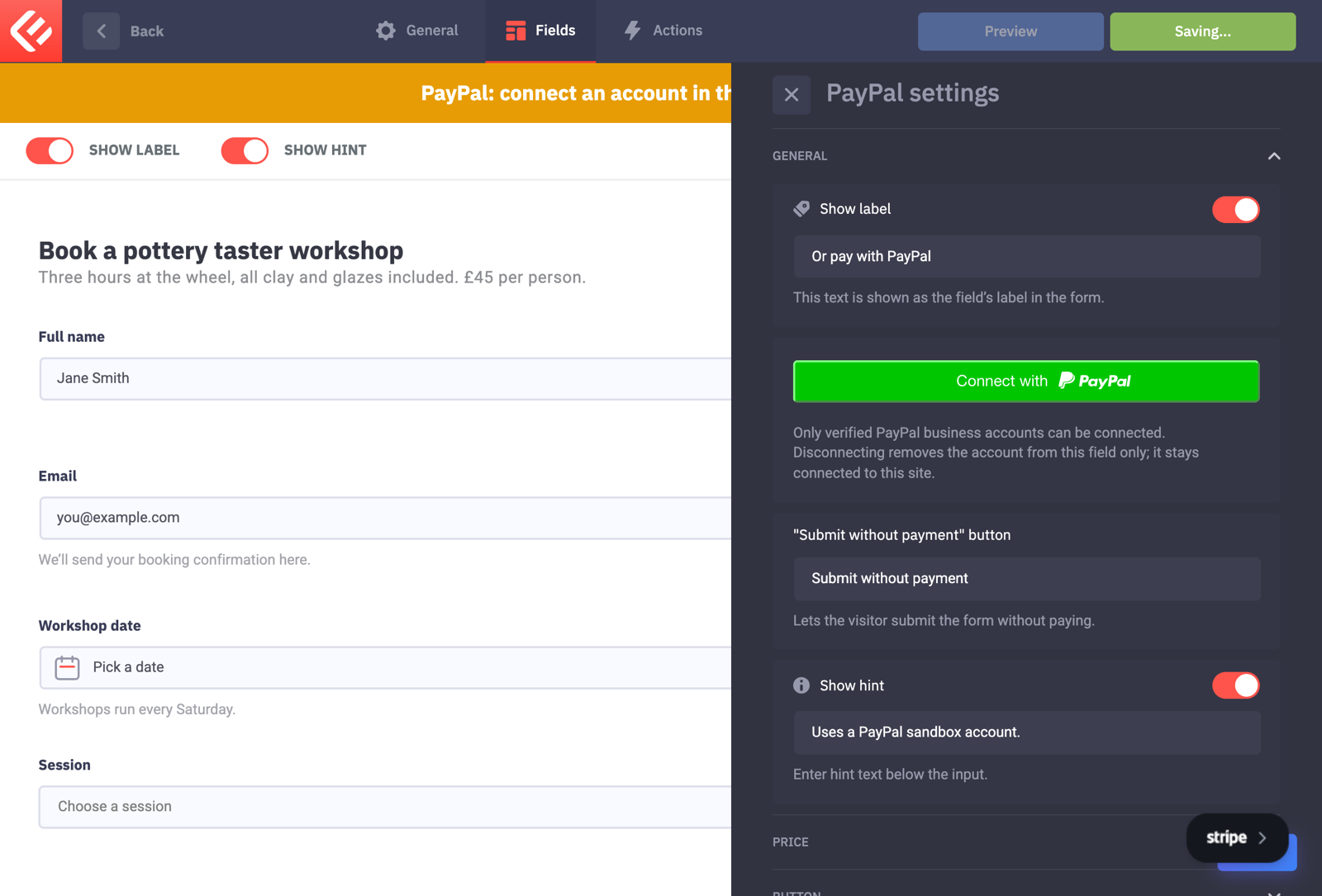
Add a PayPal field (Epic Forms Pro) and click Connect with PayPal to link your PayPal account. In its price section, enter the price and currency. A form can have one payment field, so choose PayPal, Stripe or Authorize.Net.
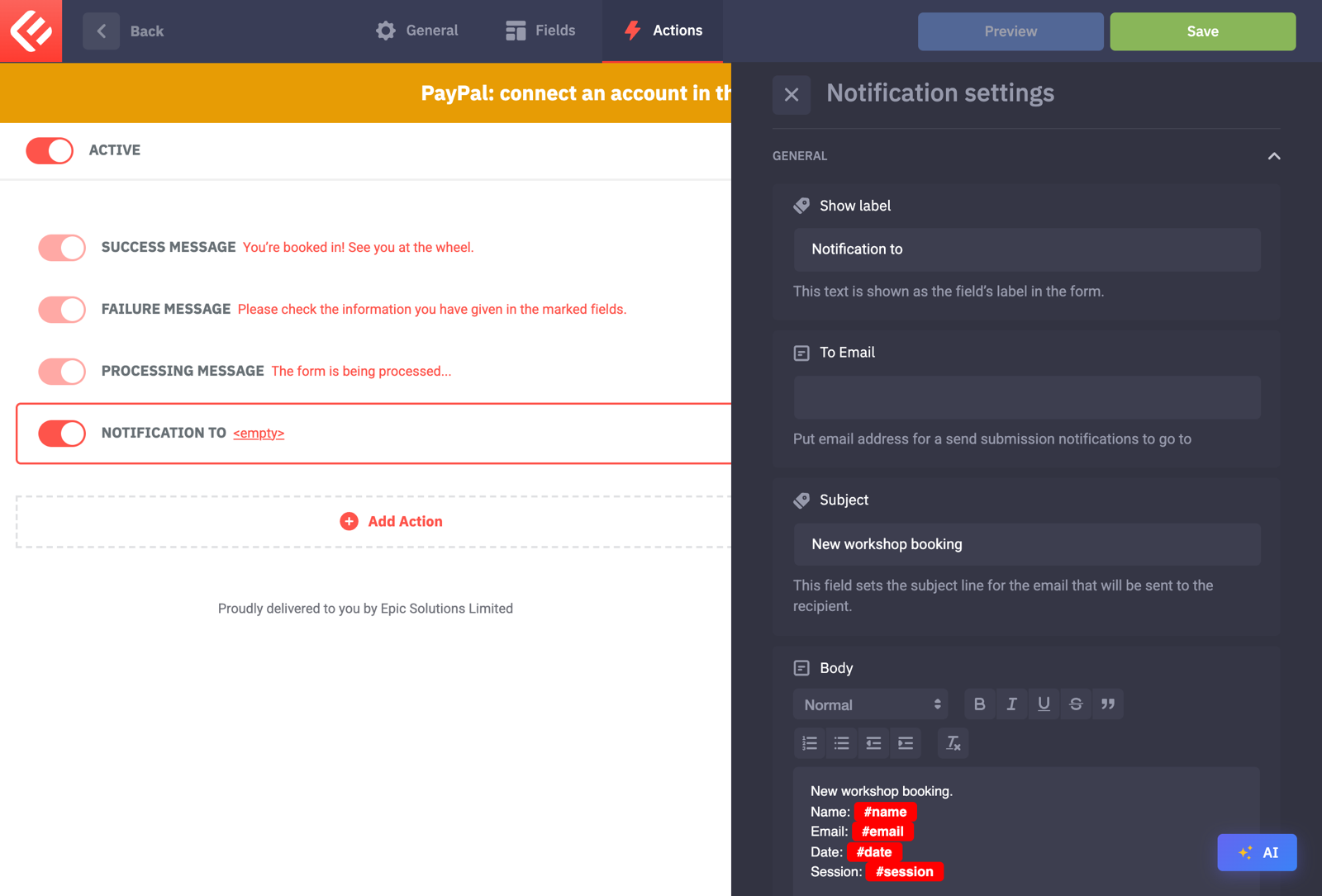
On the Actions tab, add a Notification so you hear about every booking, using the data tags of the date and session fields in its body.
Click Save to keep your changes, then Publish. Visitors only see a form once it’s published.
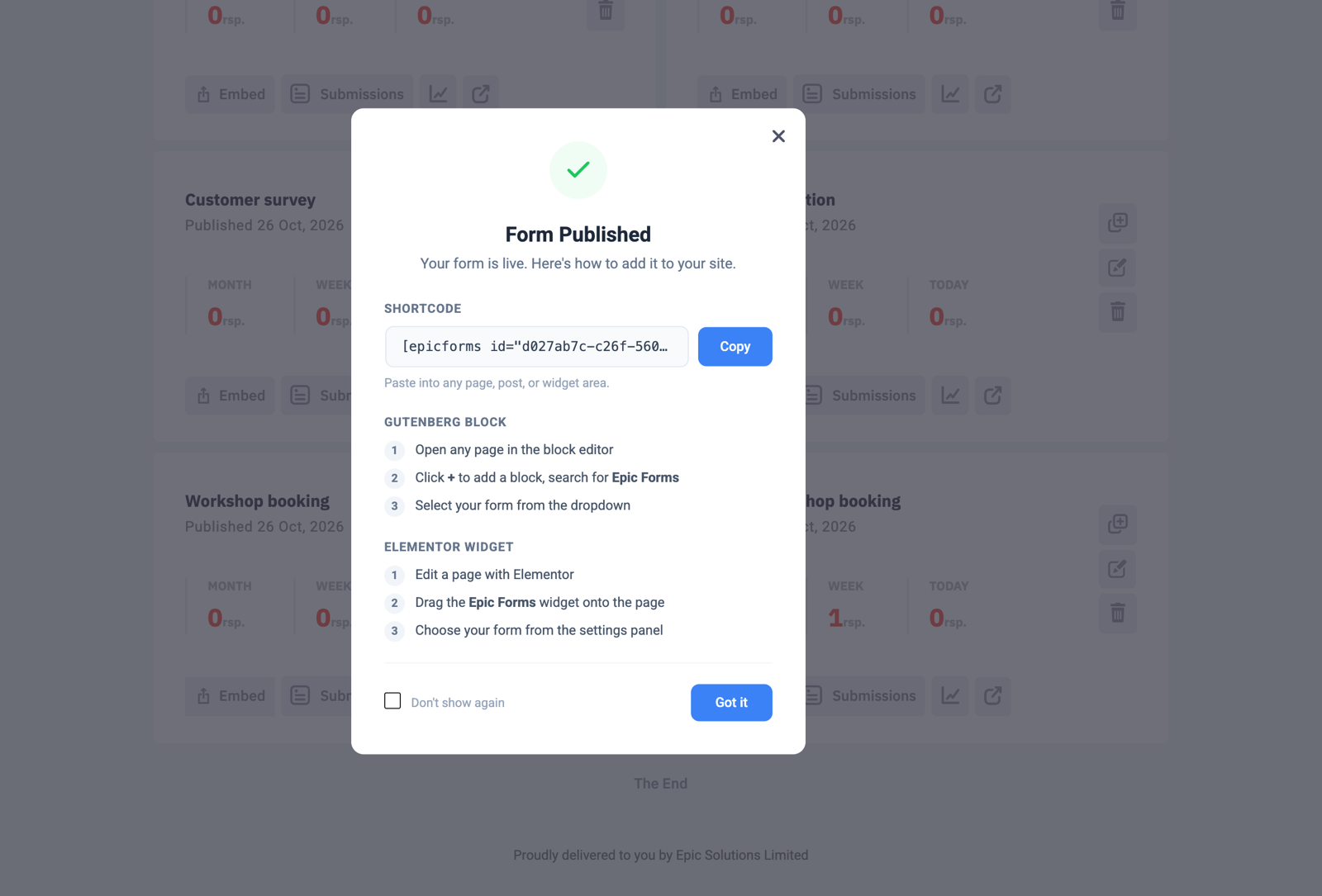
Put the form on a page: in Forms & Submissions click Embed on your form’s card. Copy the shortcode into any page, or add the Epic Forms block in the block editor and choose your form.
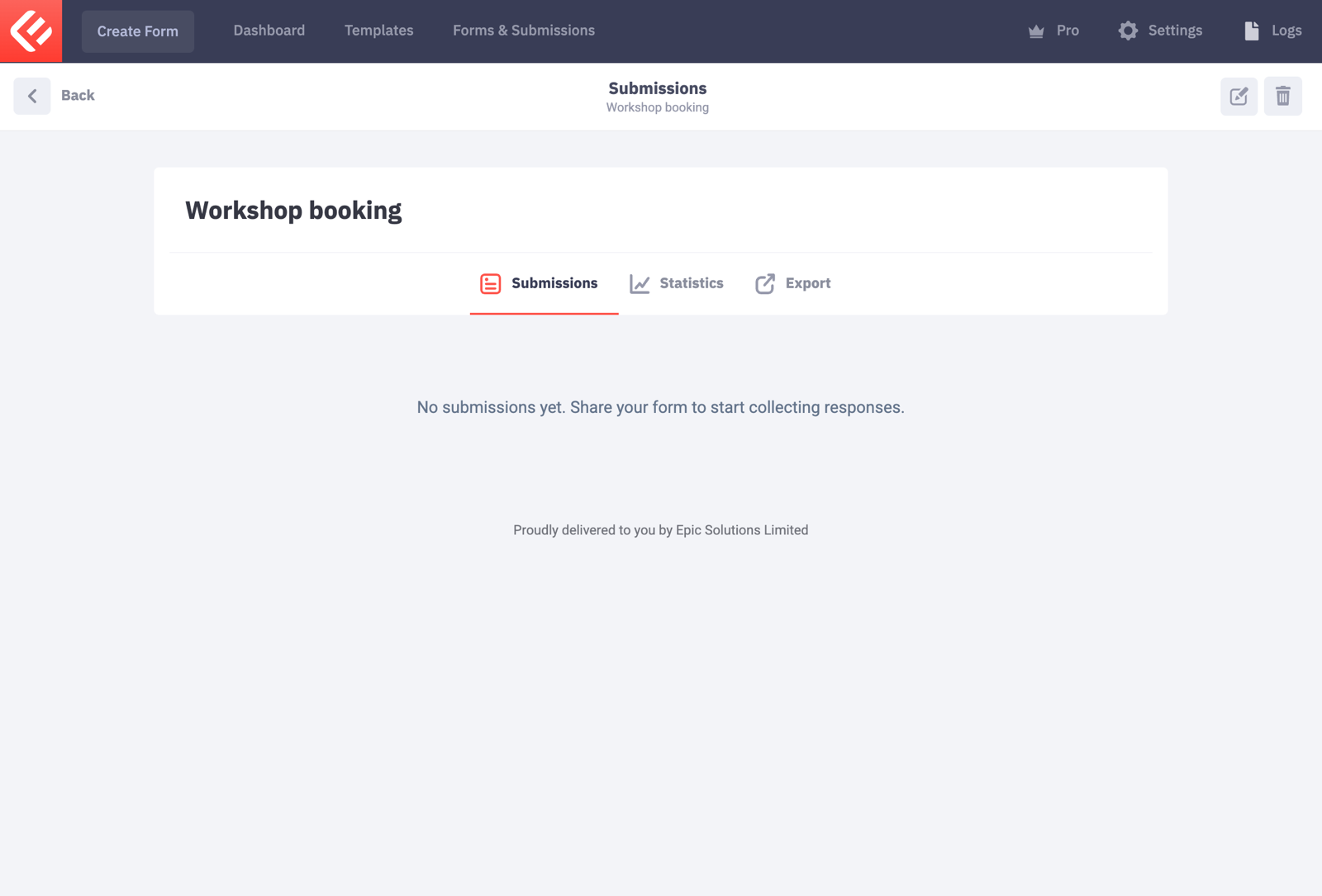
Open the page and fill in the form yourself to test it. Every submission appears in Epic Forms → Forms & Submissions under your form’s Submissions tab.