An event sign-up: will they come, how many guests, any dietary needs, and permission to appear in photos.
Try it
Try leaving “Will you attend?” empty to see a required-field message.
How it’s built
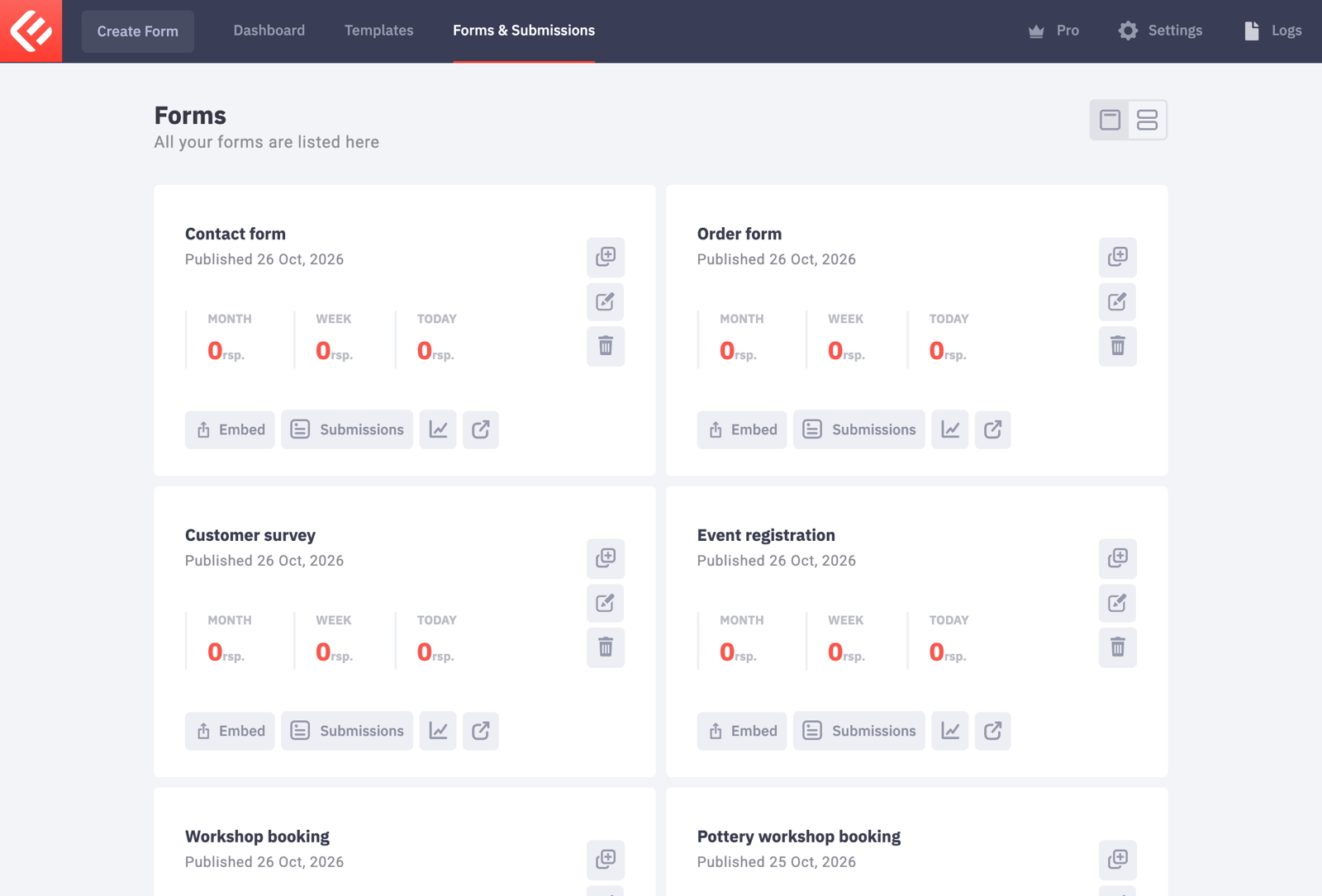
In your WordPress admin, open Epic Forms → Forms & Submissions and click Create Form. Give it a name you’ll recognise later.
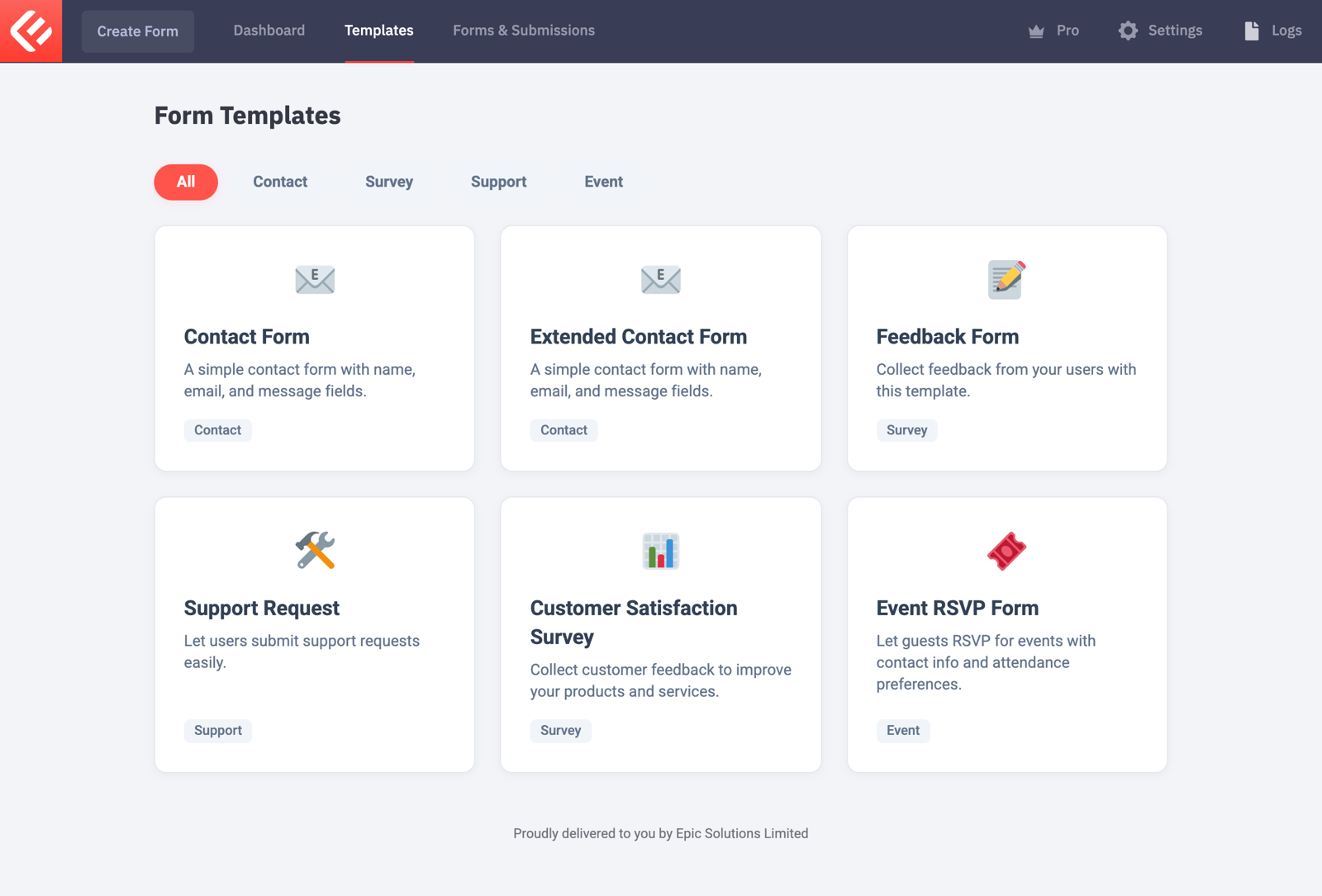
Start from the Event RSVP template instead of a blank form: it already has most fields you need, and you can change everything.
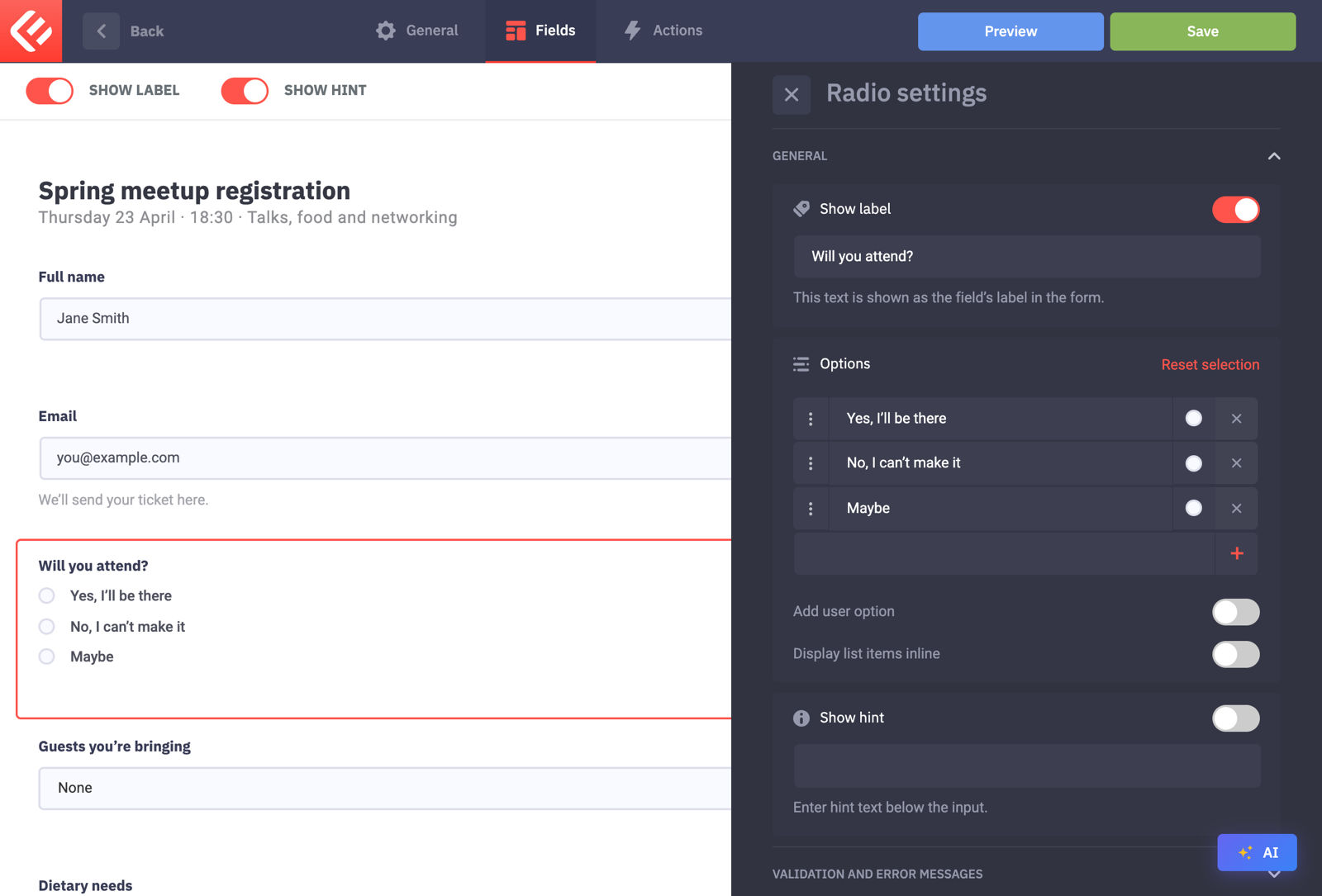
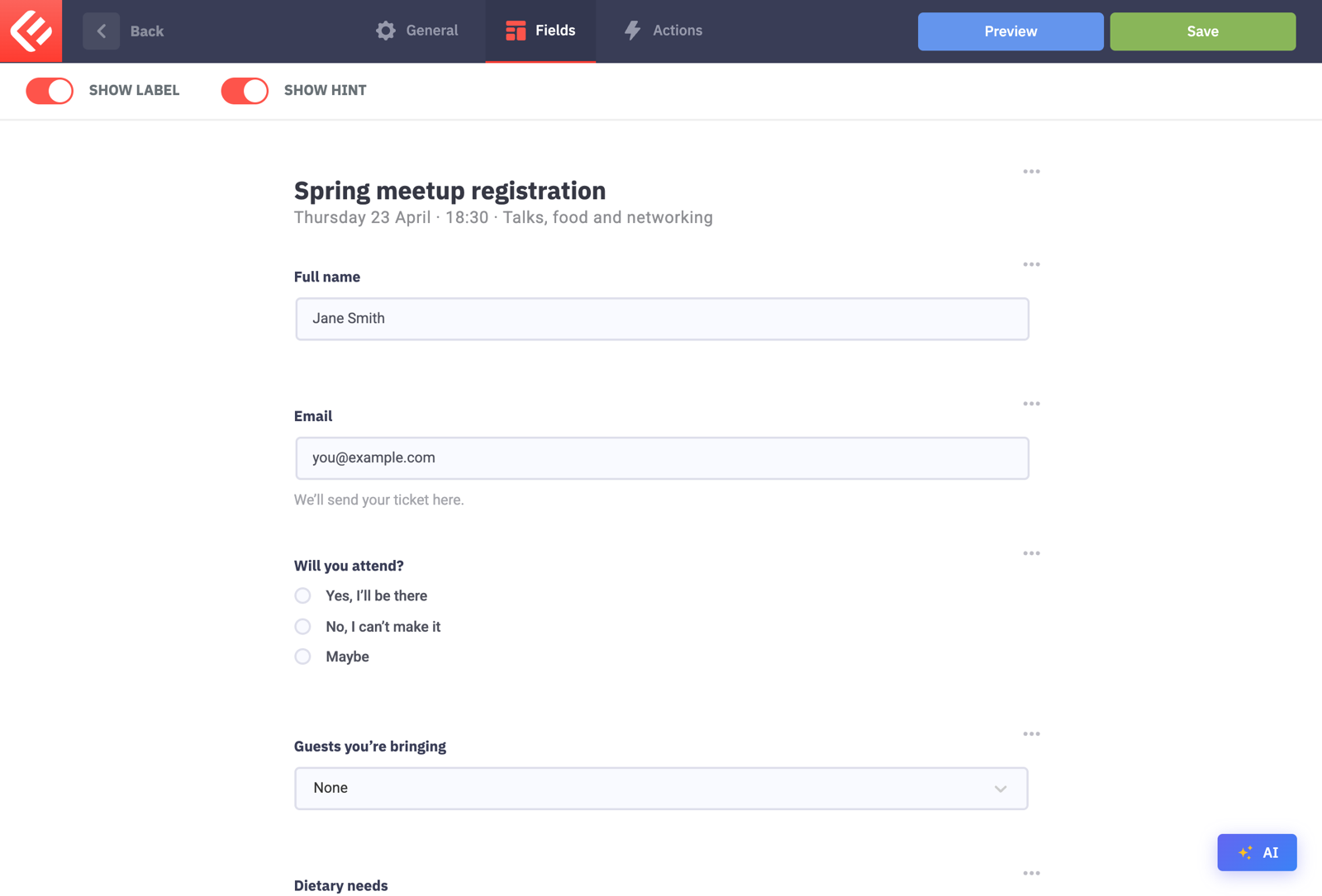
Use a Radio field when only one answer is allowed, like “Will you attend?”. Type the answers under Options.
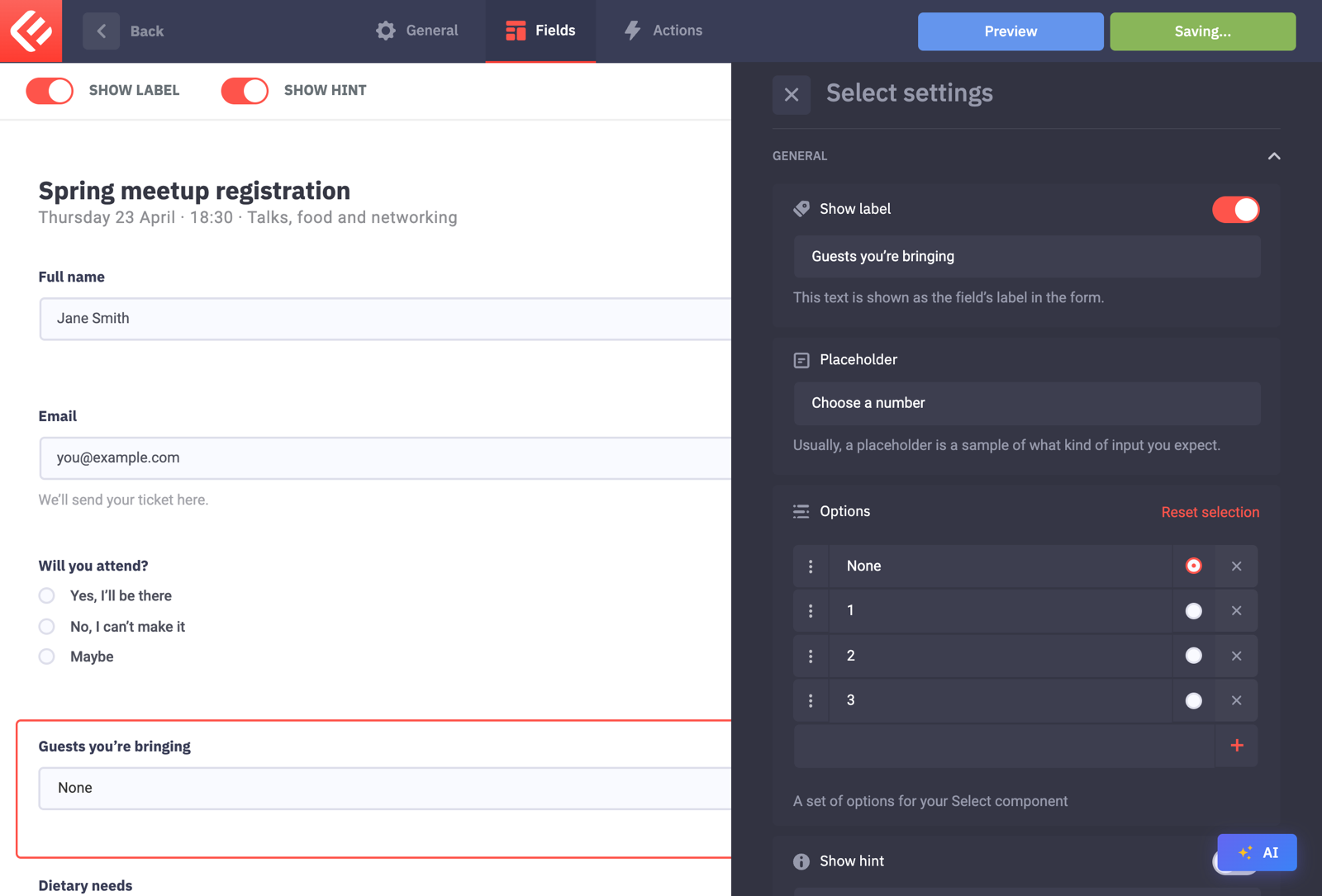
Use a Select field for a number of guests, and tick an option to make it the pre-selected answer.
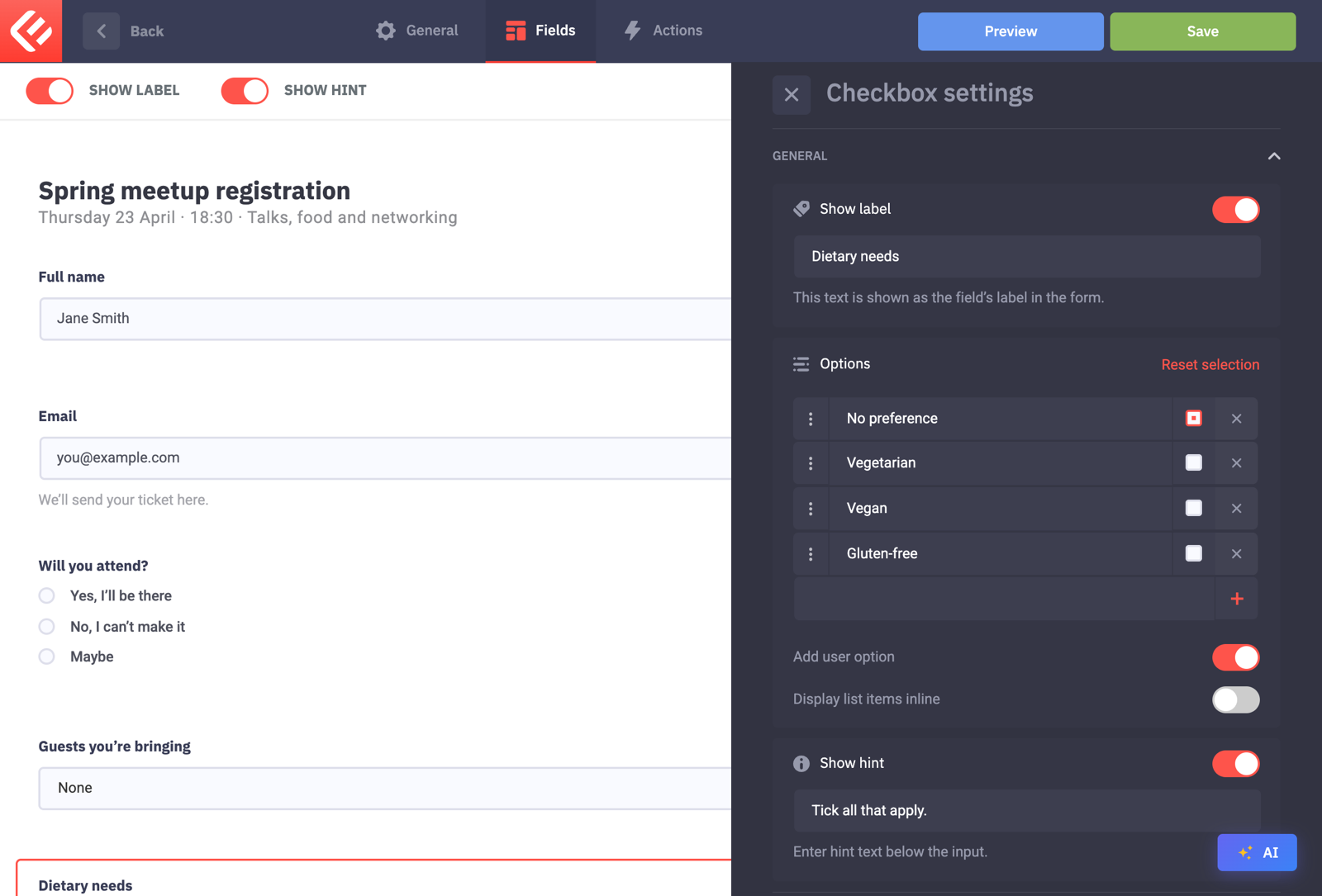
Use a Checkbox field when several answers can apply, like dietary needs. Switch on Add user option to let people type their own answer.
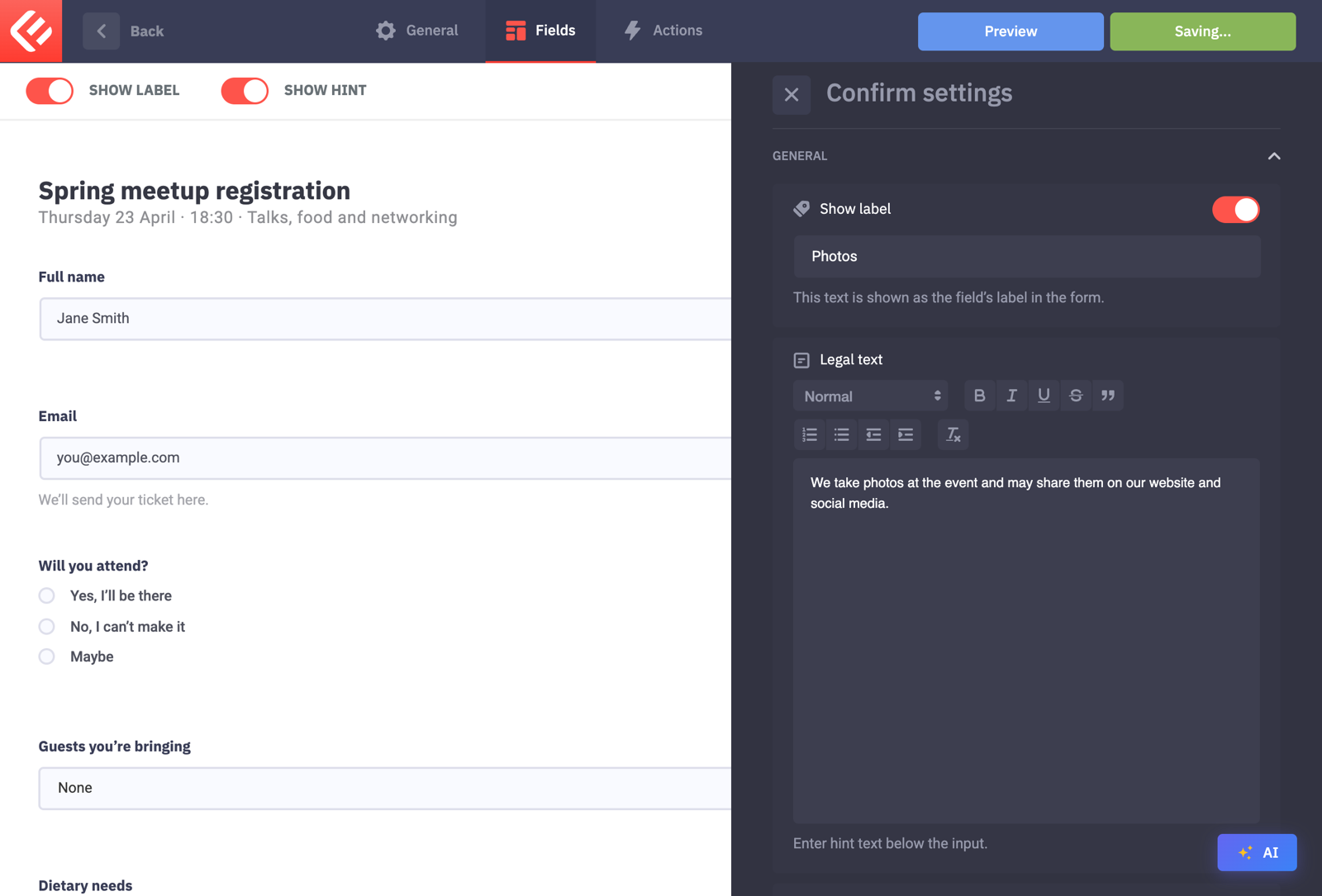
Add a Confirm field for consent, for example to photos. Leave Required off if agreeing is optional.
Add a Notification on the Actions tab. Typing
#submissionin its body includes every answer.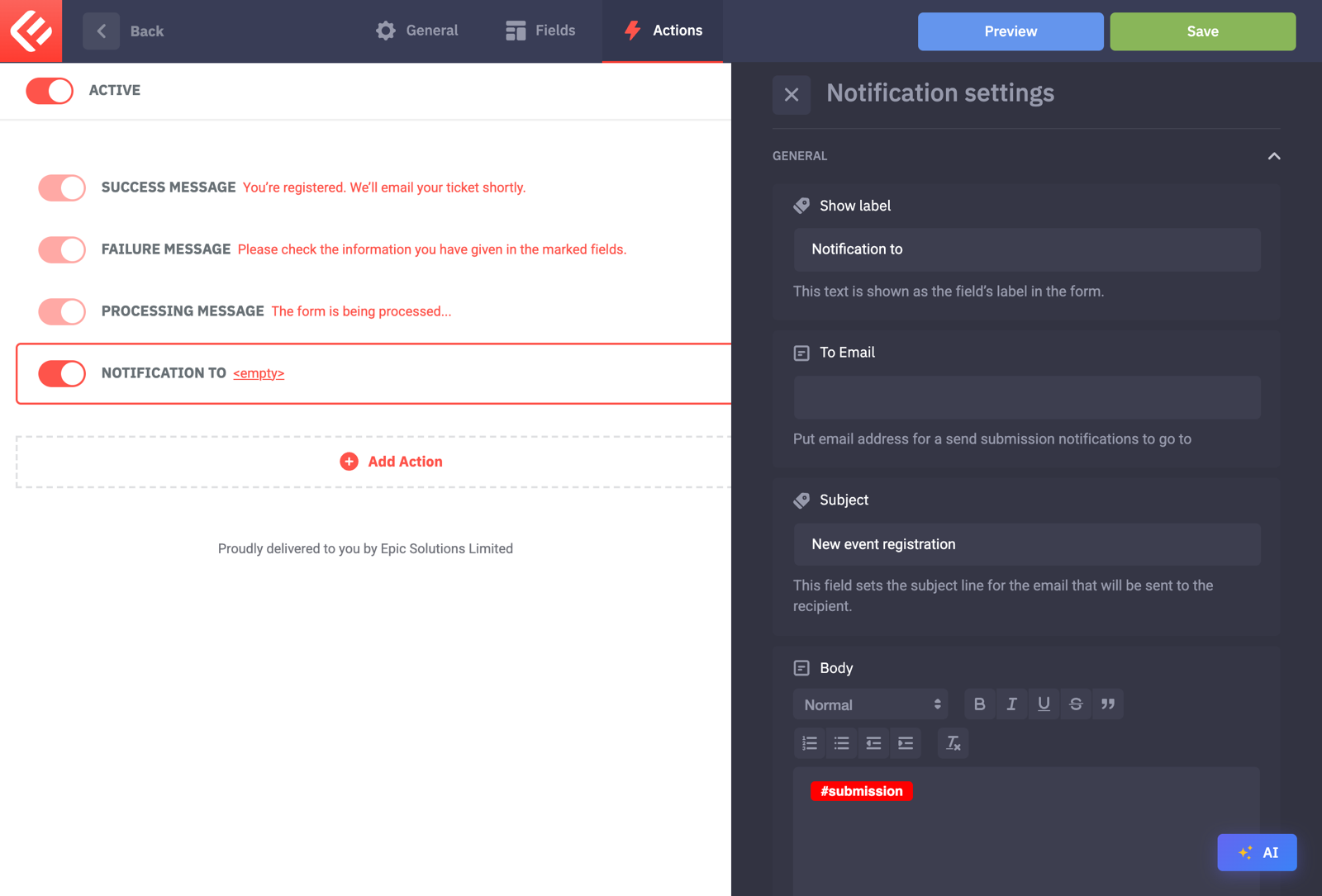
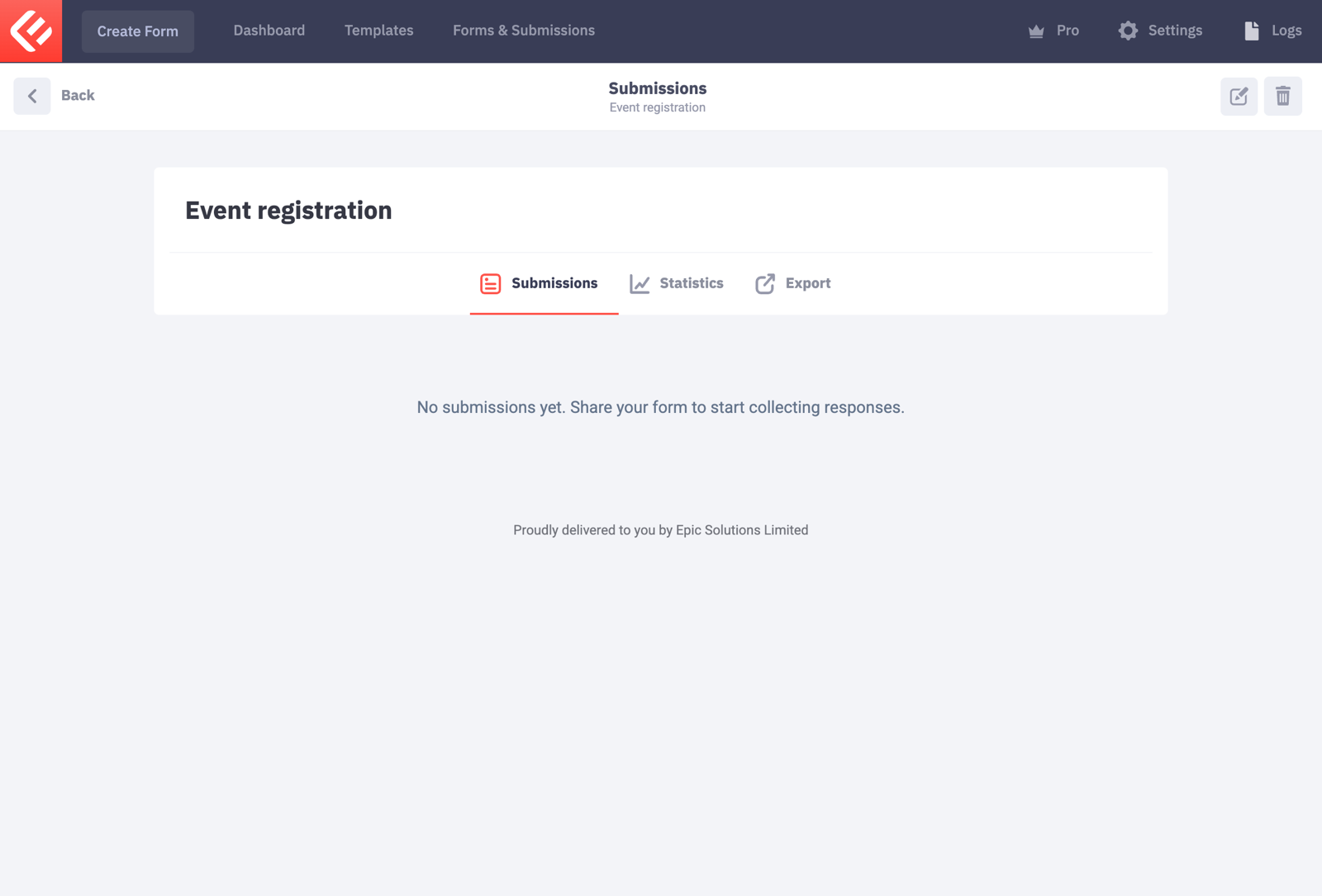
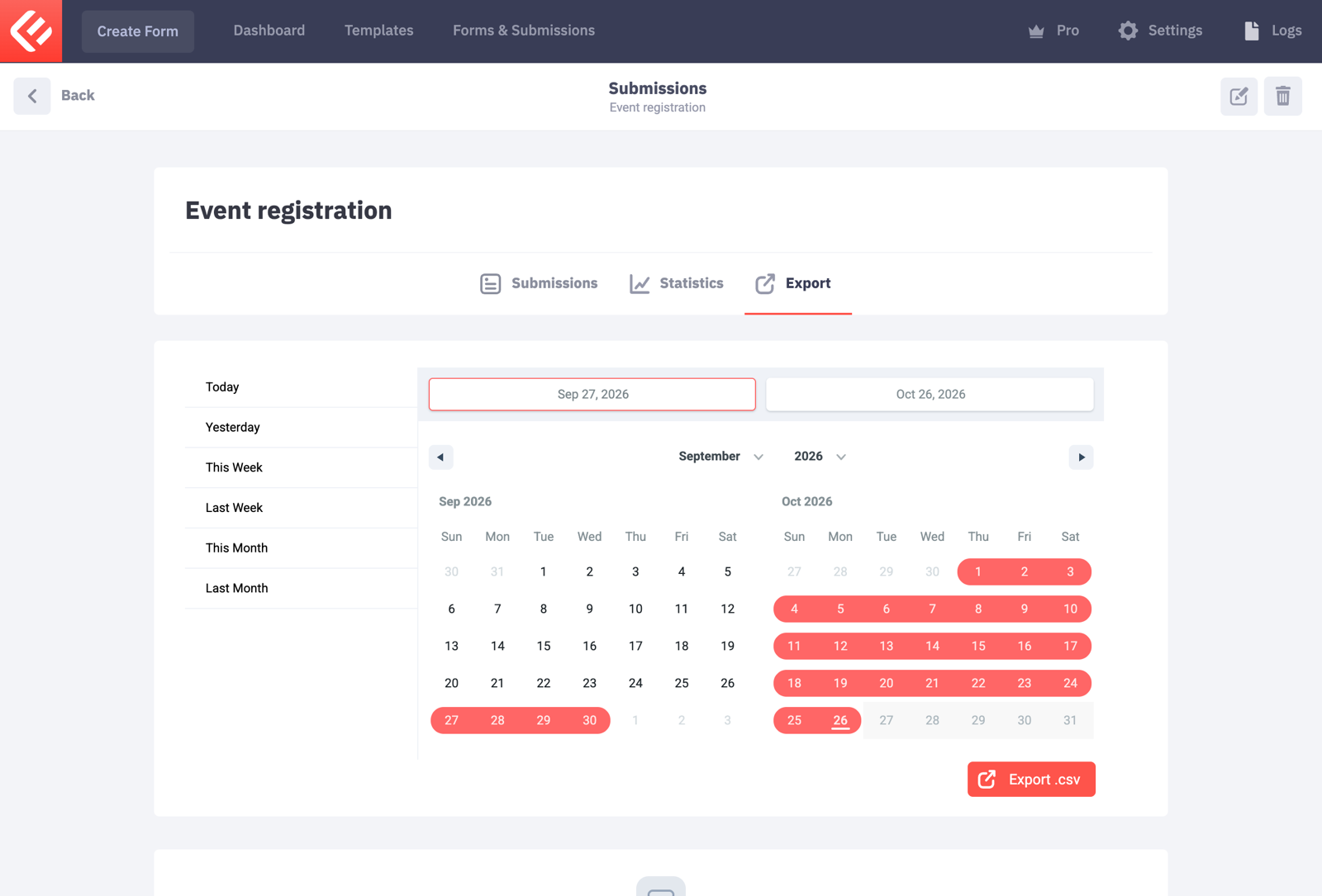
To download all registrations as a spreadsheet, open your form in Forms & Submissions and use the Export tab.
Click Save to keep your changes, then Publish. Visitors only see a form once it’s published.
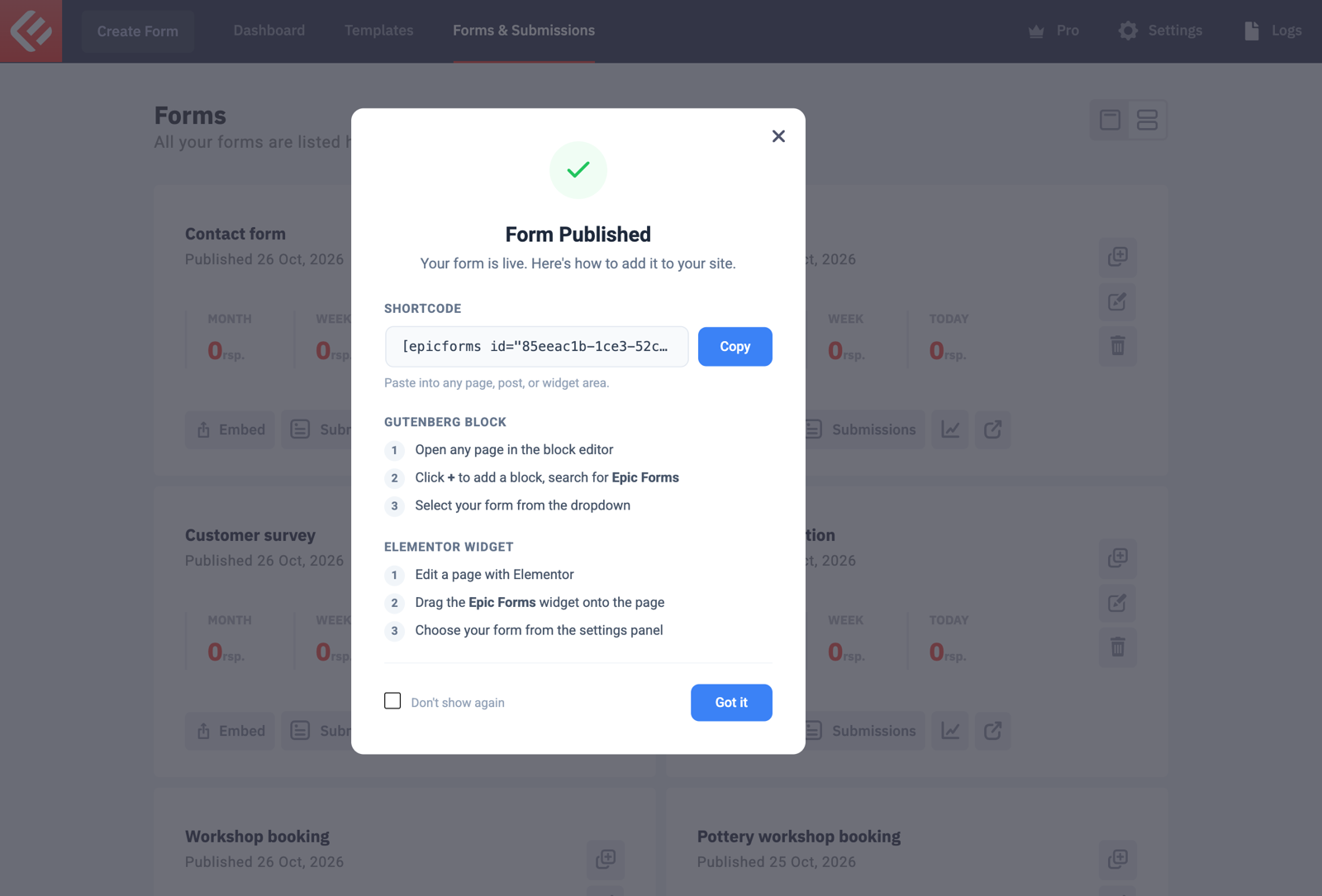
Put the form on a page: in Forms & Submissions click Embed on your form’s card. Copy the shortcode into any page, or add the Epic Forms block in the block editor and choose your form.
Open the page and fill in the form yourself to test it. Every submission appears in Epic Forms → Forms & Submissions under your form’s Submissions tab.