A short feedback survey with a score, multiple-choice questions and an open answer. The answers add up into charts.
Try it
Answer a few questions. Your answers are added to the form’s statistics.
How it’s built
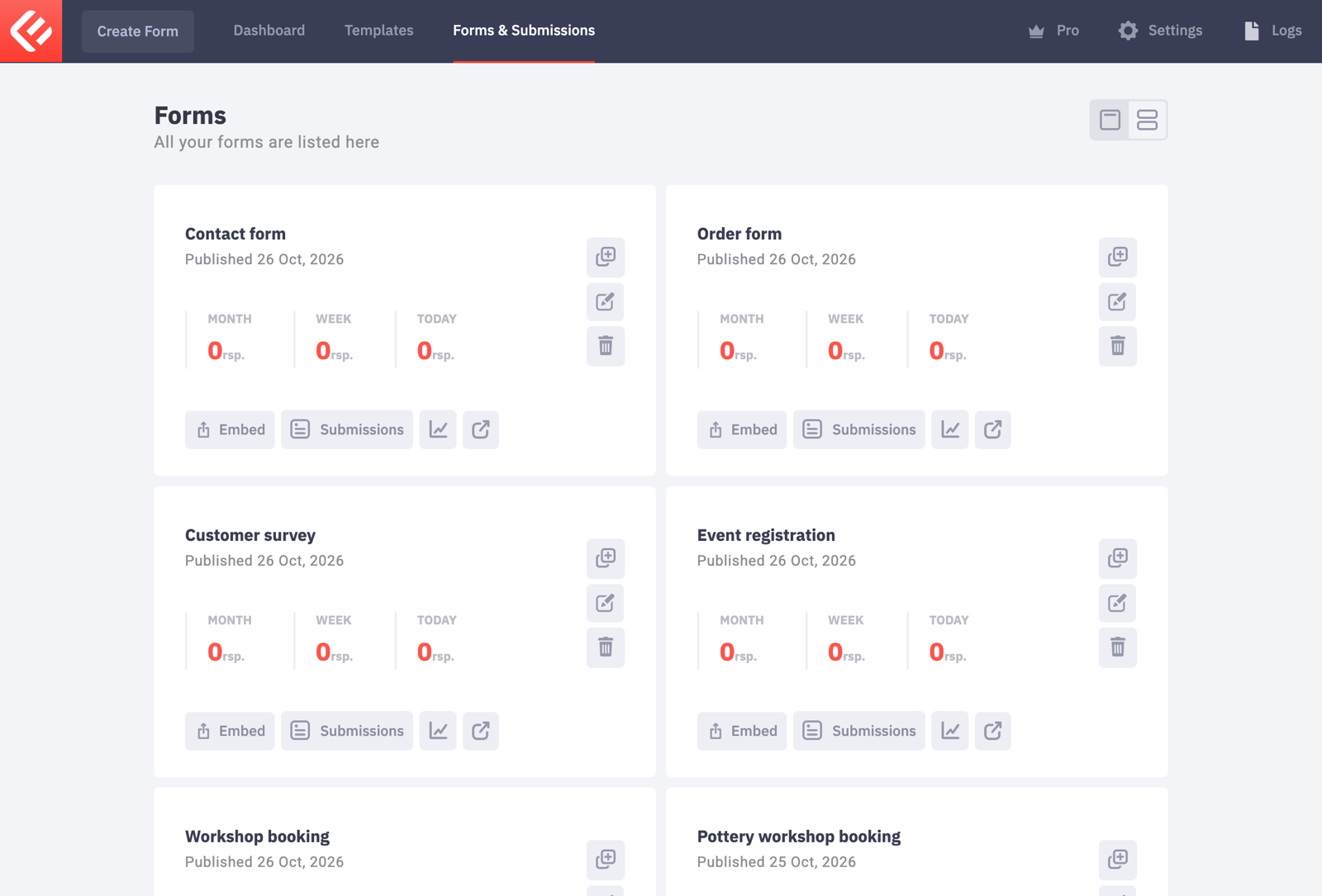
In your WordPress admin, open Epic Forms → Forms & Submissions and click Create Form. Give it a name you’ll recognise later.
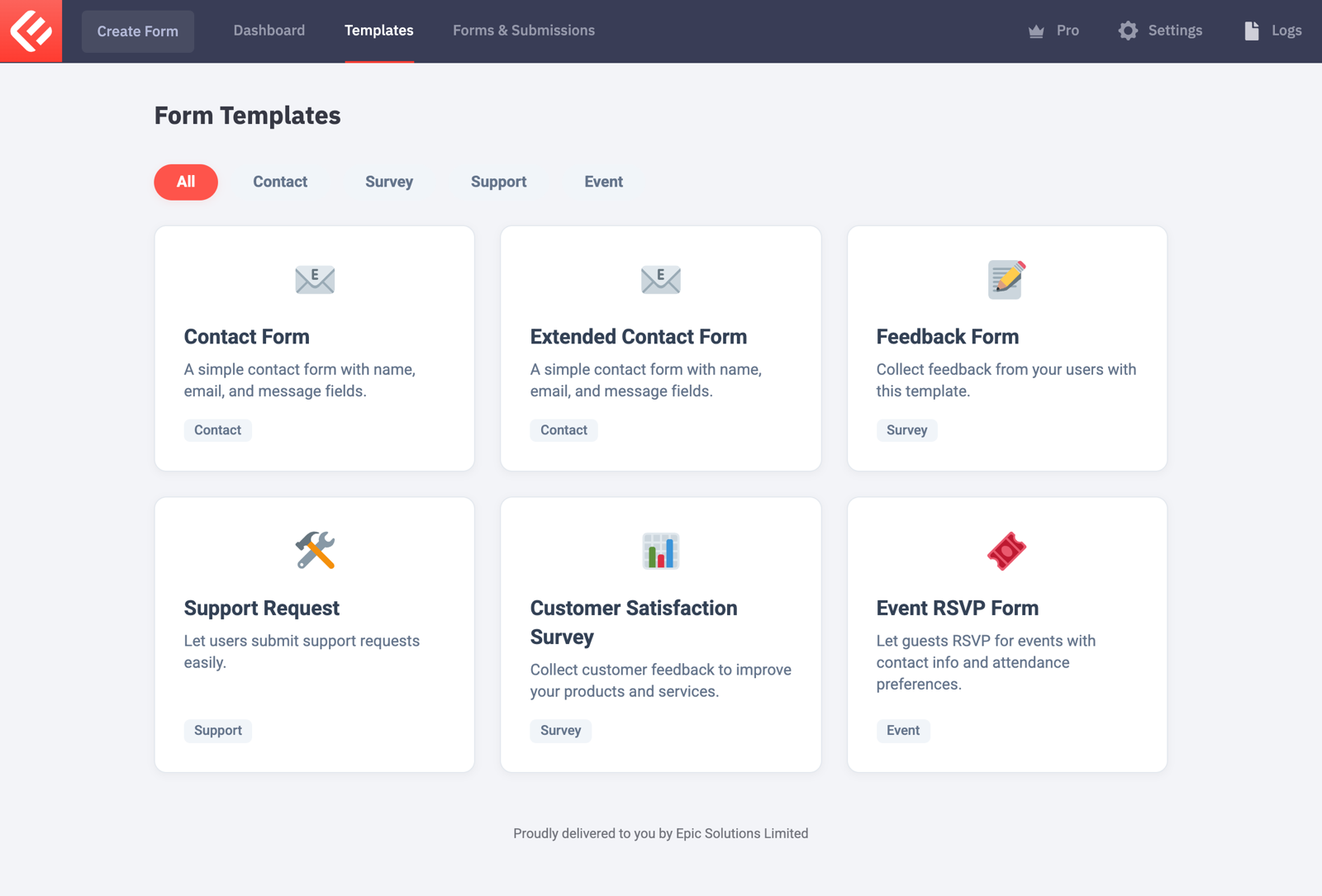
Start from the Customer Satisfaction Survey template, or build it on a blank form.
For a 1–5 score, add a Radio field with the options 1, 2, 3, 4 and 5, and switch on Display list items inline so they sit in one row.
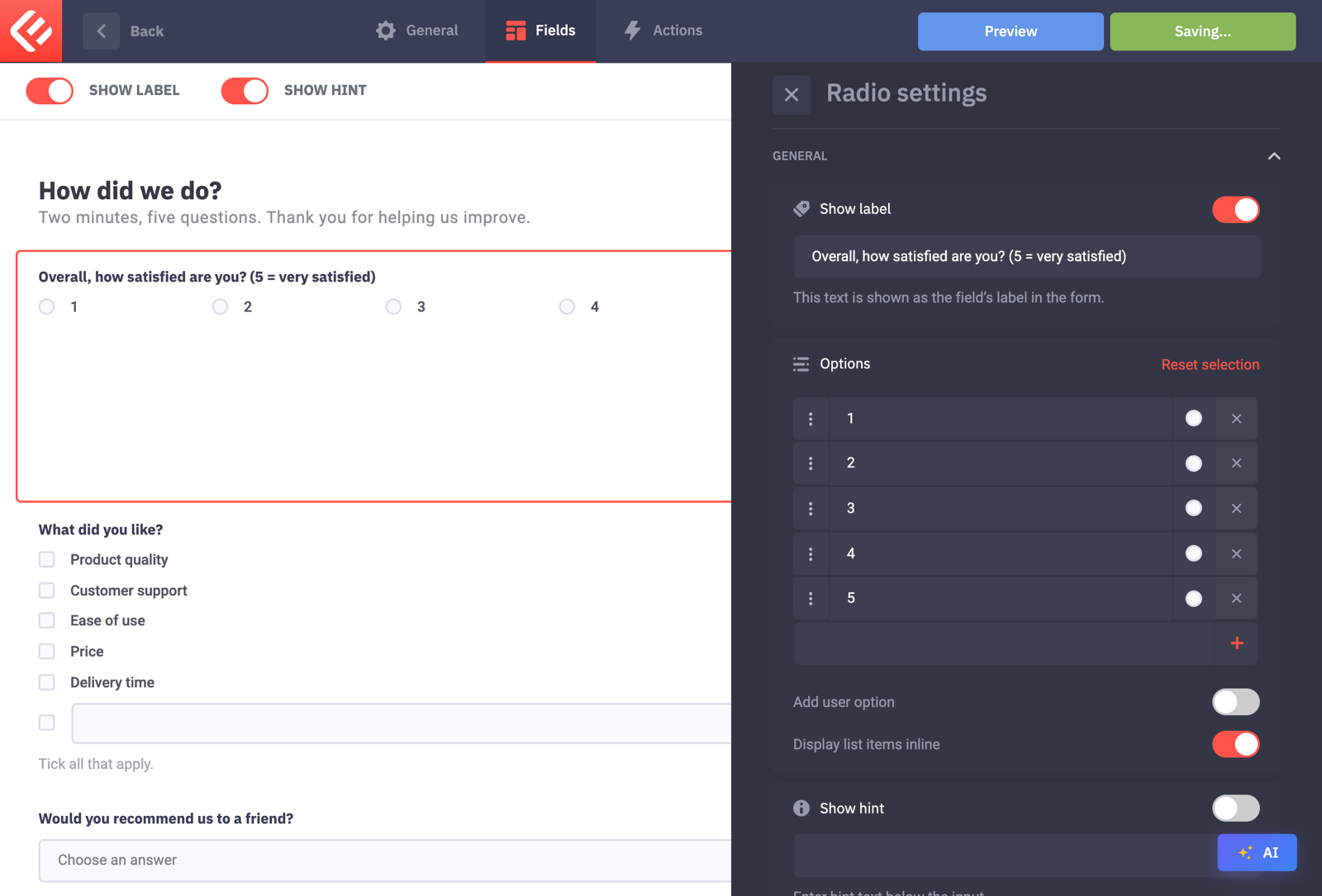
Add a Checkbox field for “What did you like?” and a Select field for “Would you recommend us?”.
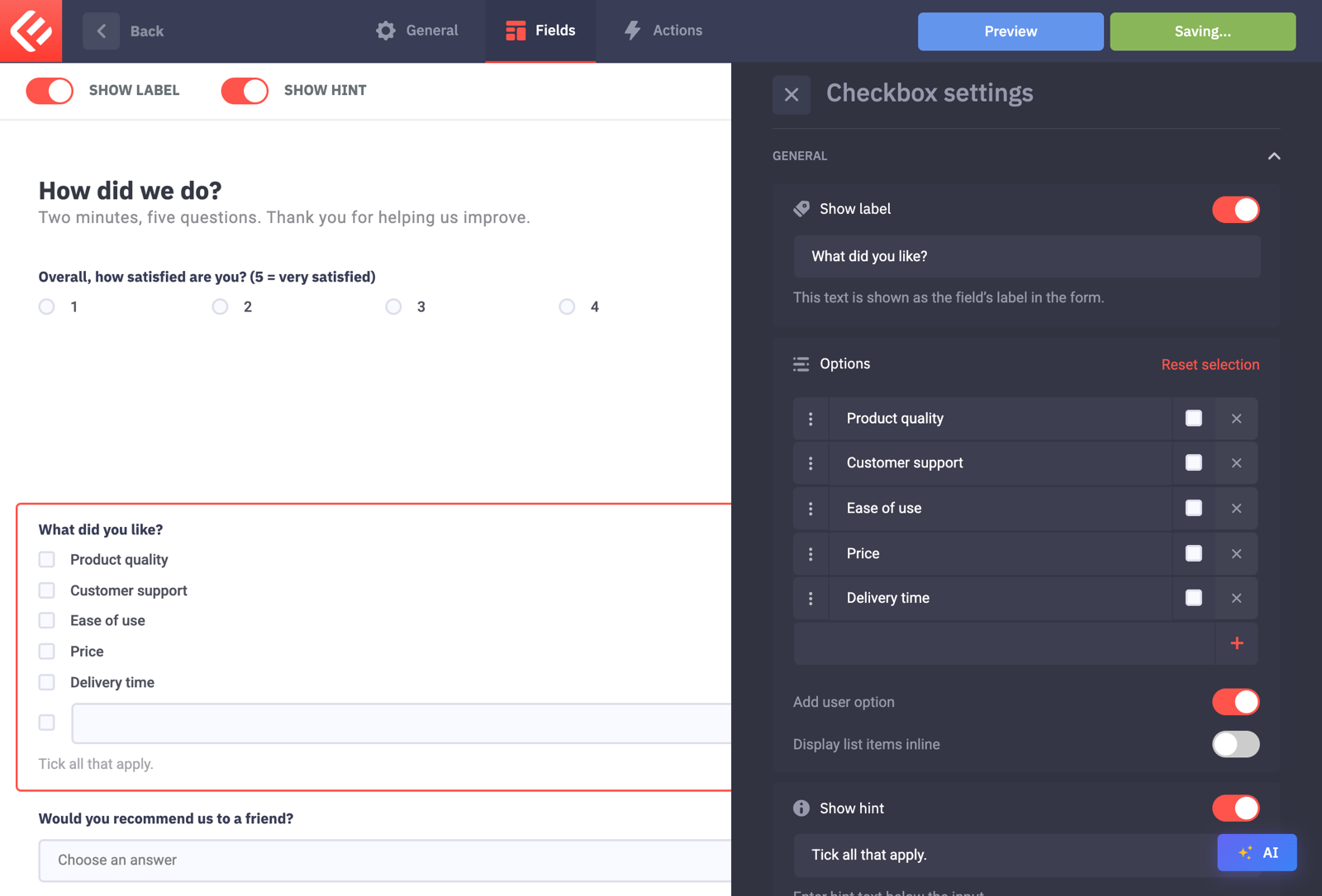
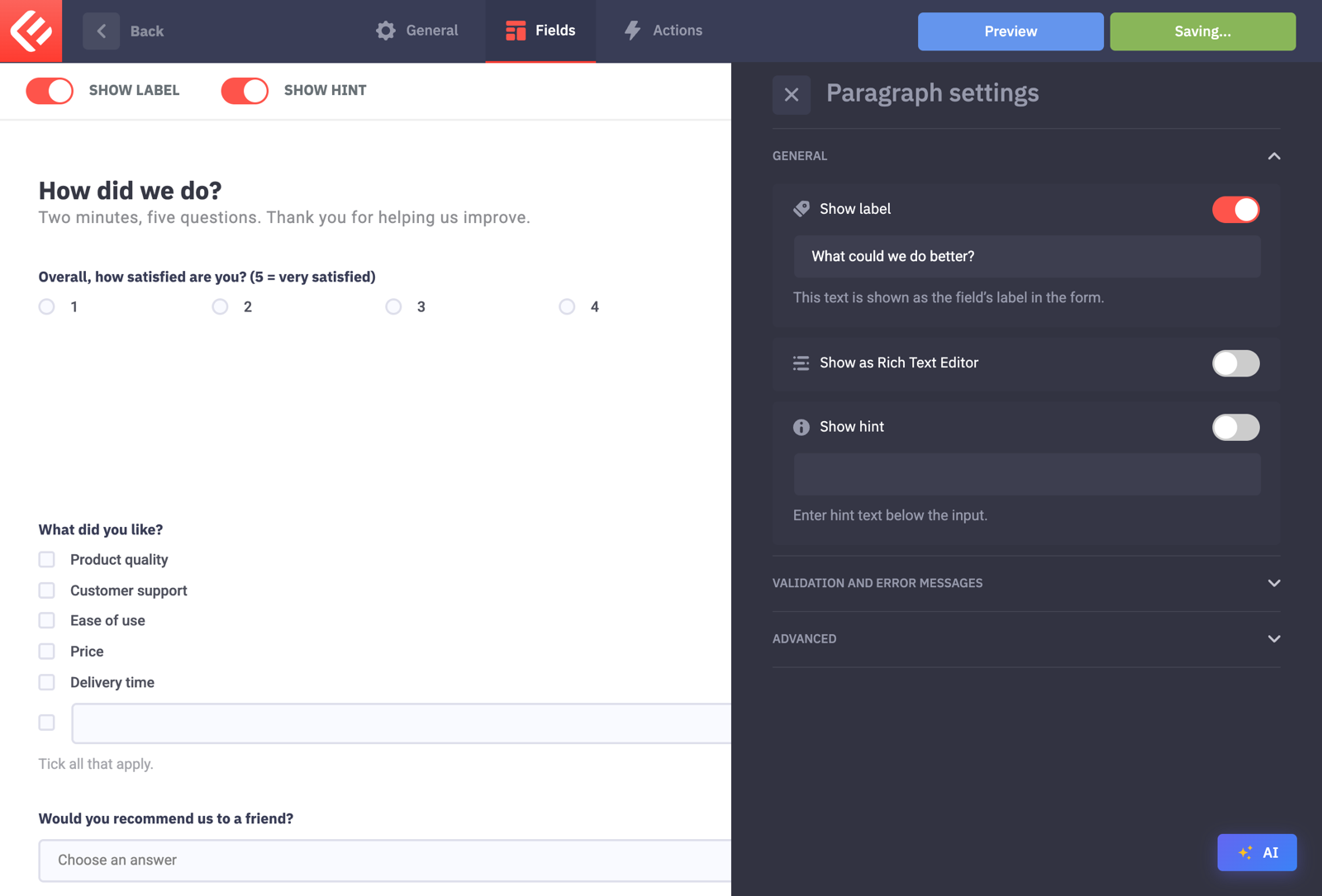
Finish with a Paragraph field for open comments. Leave it optional so nobody gets stuck.
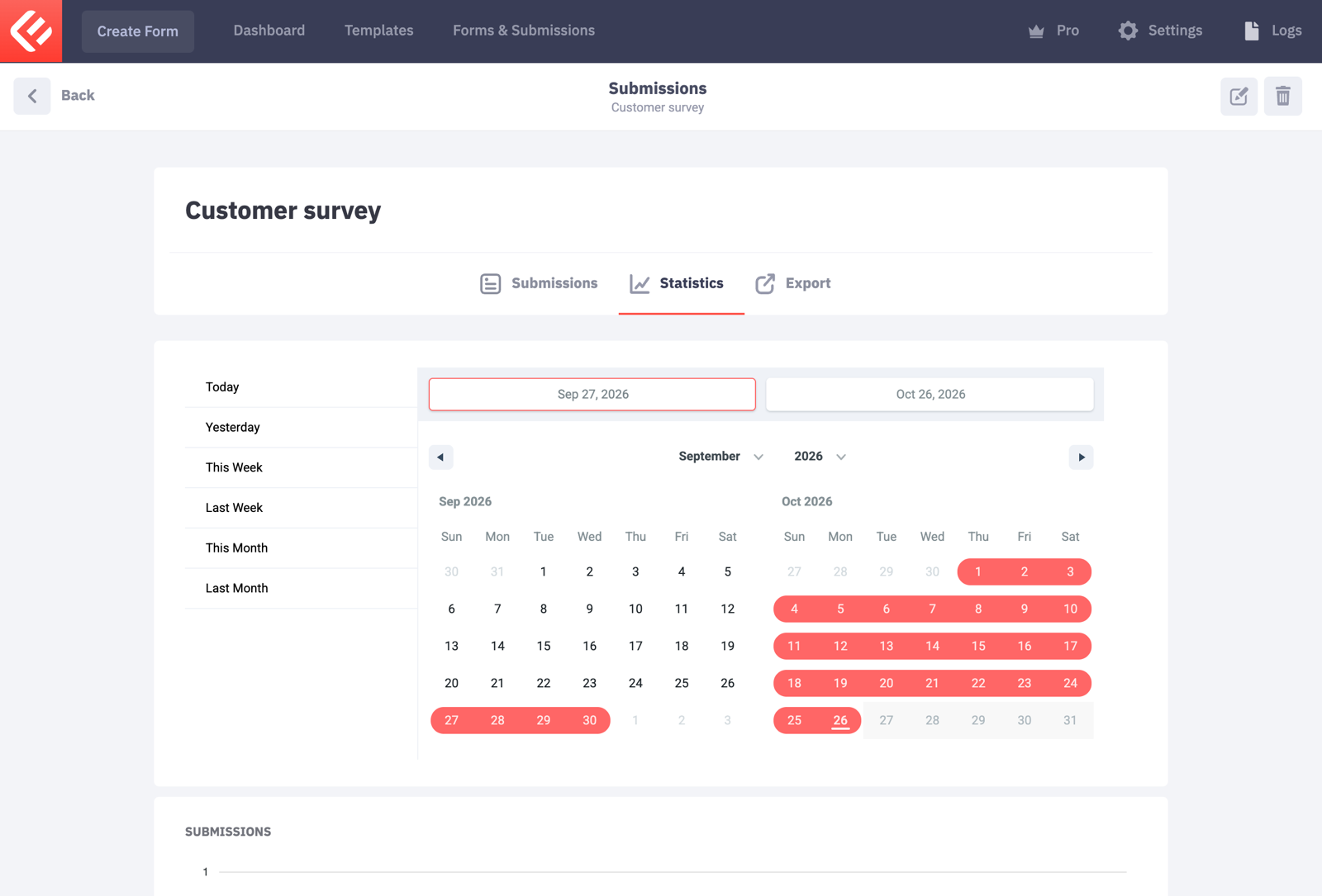
Once answers come in, open your form in Forms & Submissions and look at the Statistics tab to see how people answered.
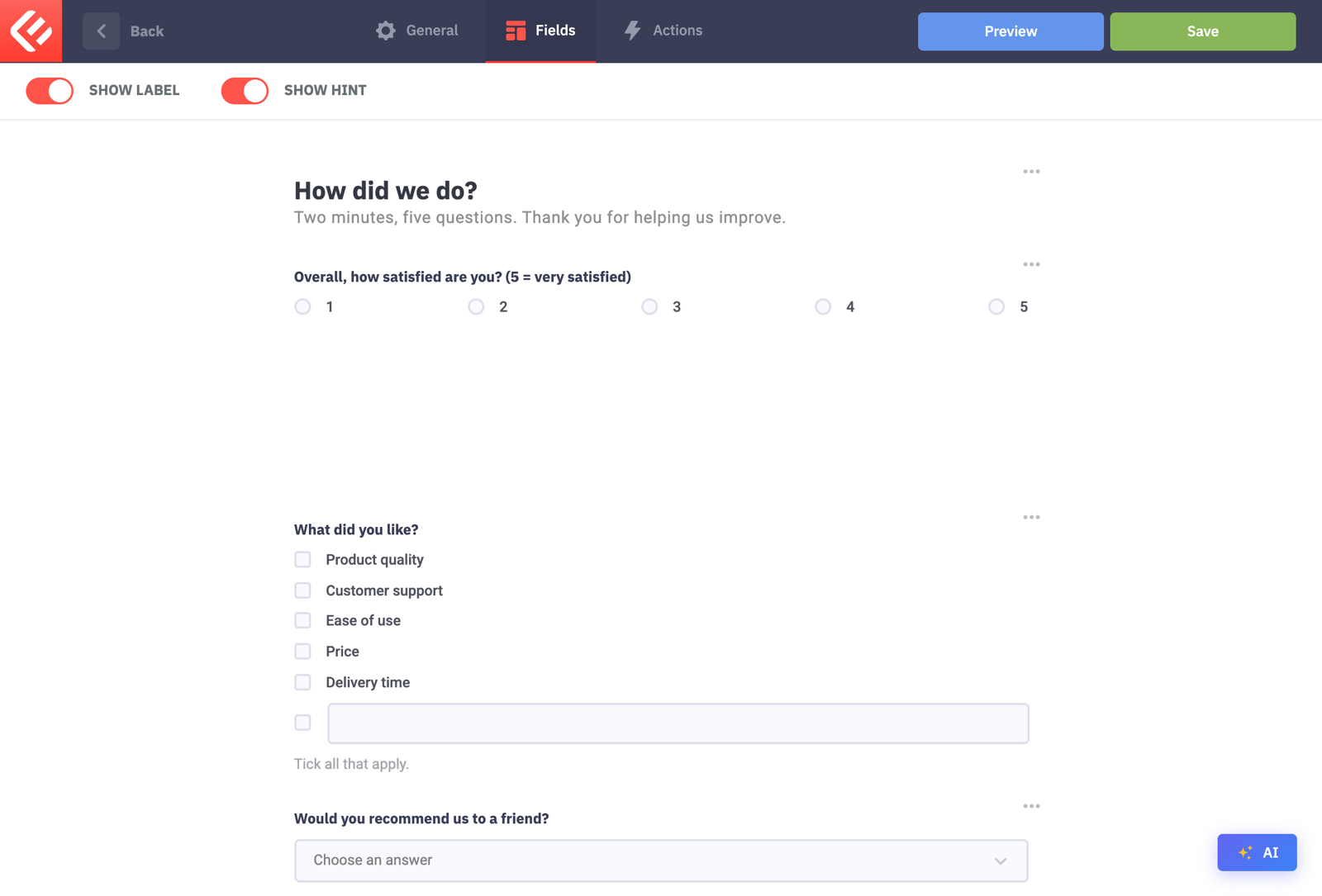
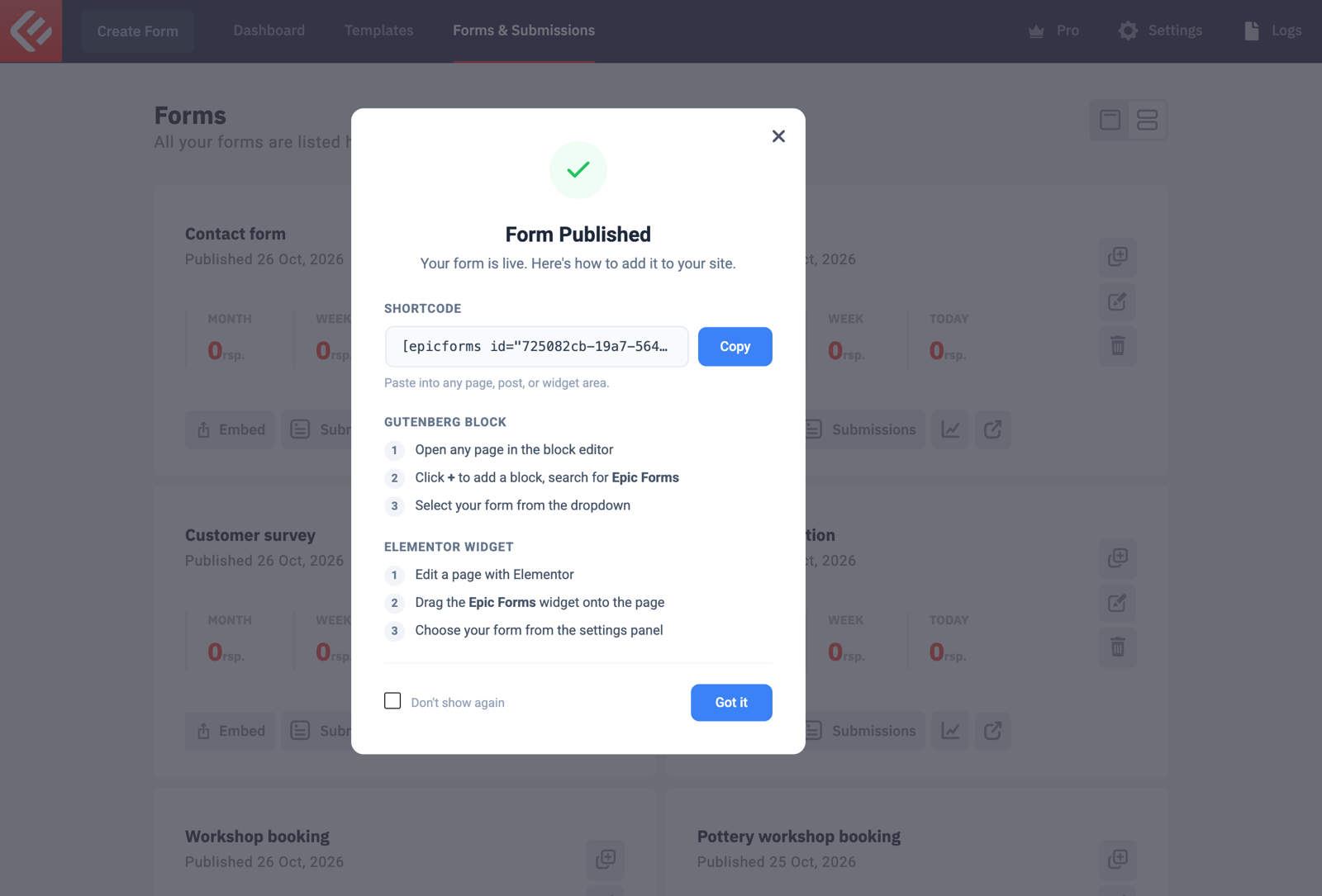
Click Save to keep your changes, then Publish. Visitors only see a form once it’s published.
Put the form on a page: in Forms & Submissions click Embed on your form’s card. Copy the shortcode into any page, or add the Epic Forms block in the block editor and choose your form.
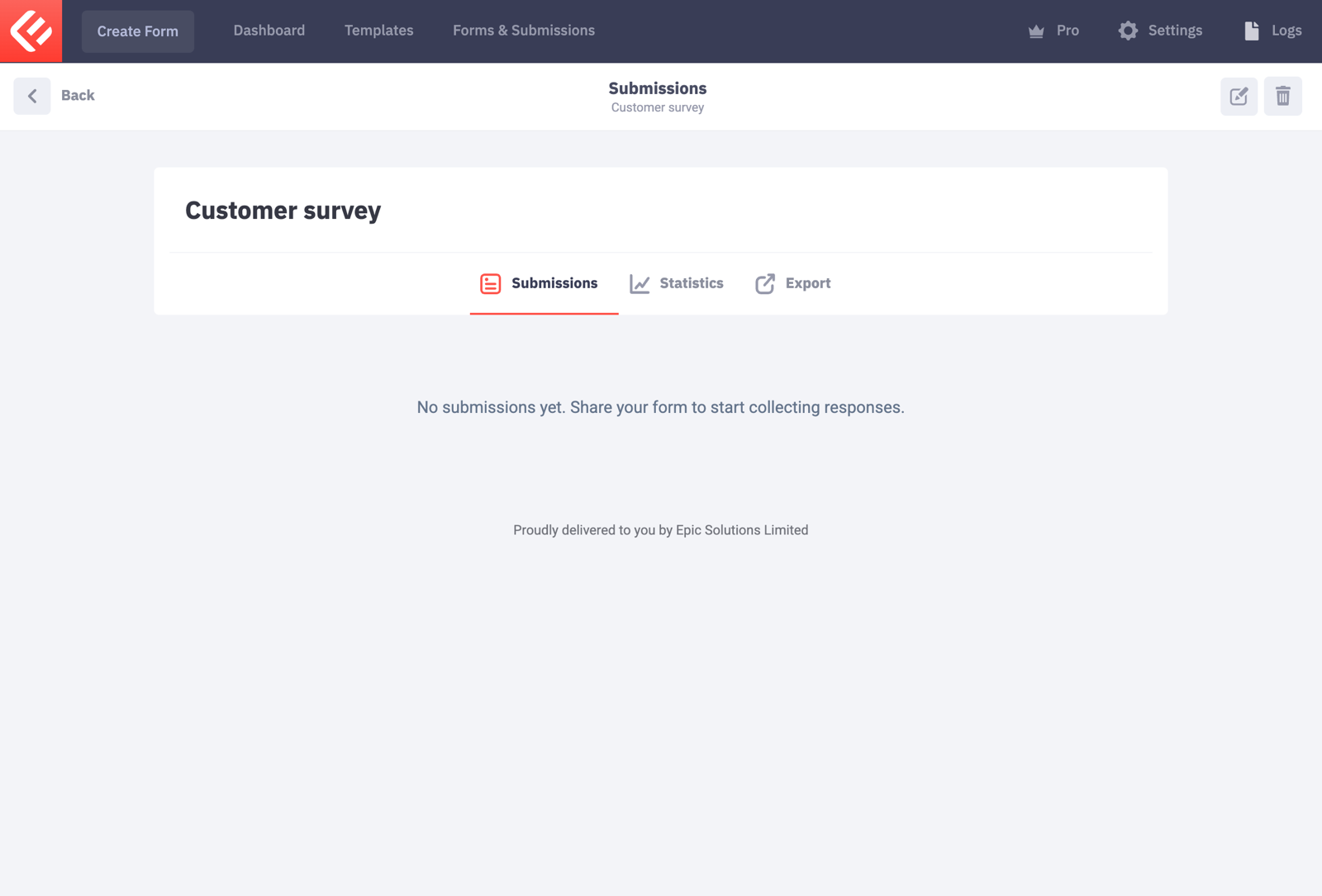
Open the page and fill in the form yourself to test it. Every submission appears in Epic Forms → Forms & Submissions under your form’s Submissions tab.