An order form with products, an optional tip, a file upload and a running total, all paid in one go.
Try it
Choose a mug, upload any small image, and pay the total with the test card below.
Try a test payment. Card: 4242 4242 4242 4242, any future expiry date, any CVC. No real money is taken.
How it’s built
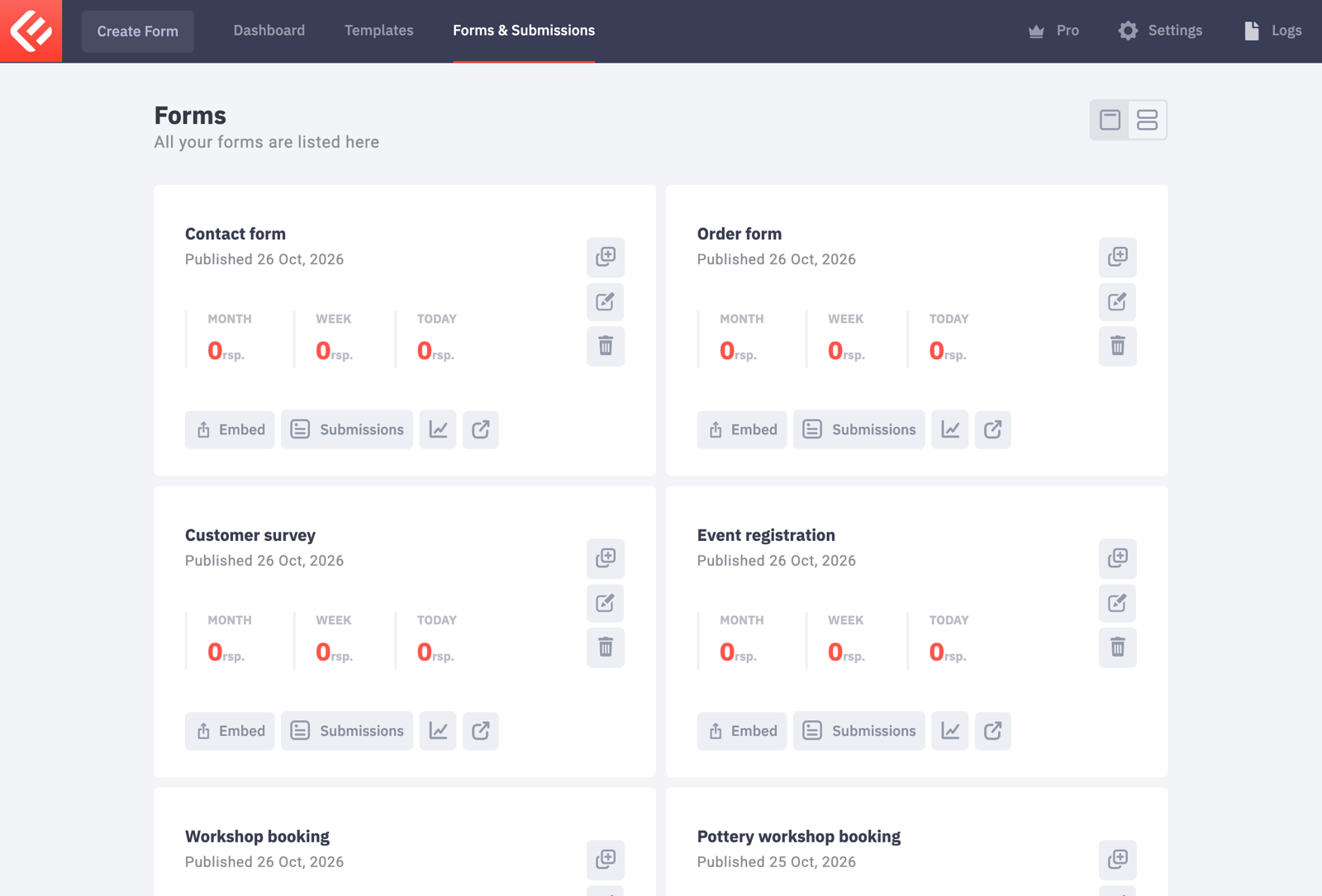
In your WordPress admin, open Epic Forms → Forms & Submissions and click Create Form. Give it a name you’ll recognise later.
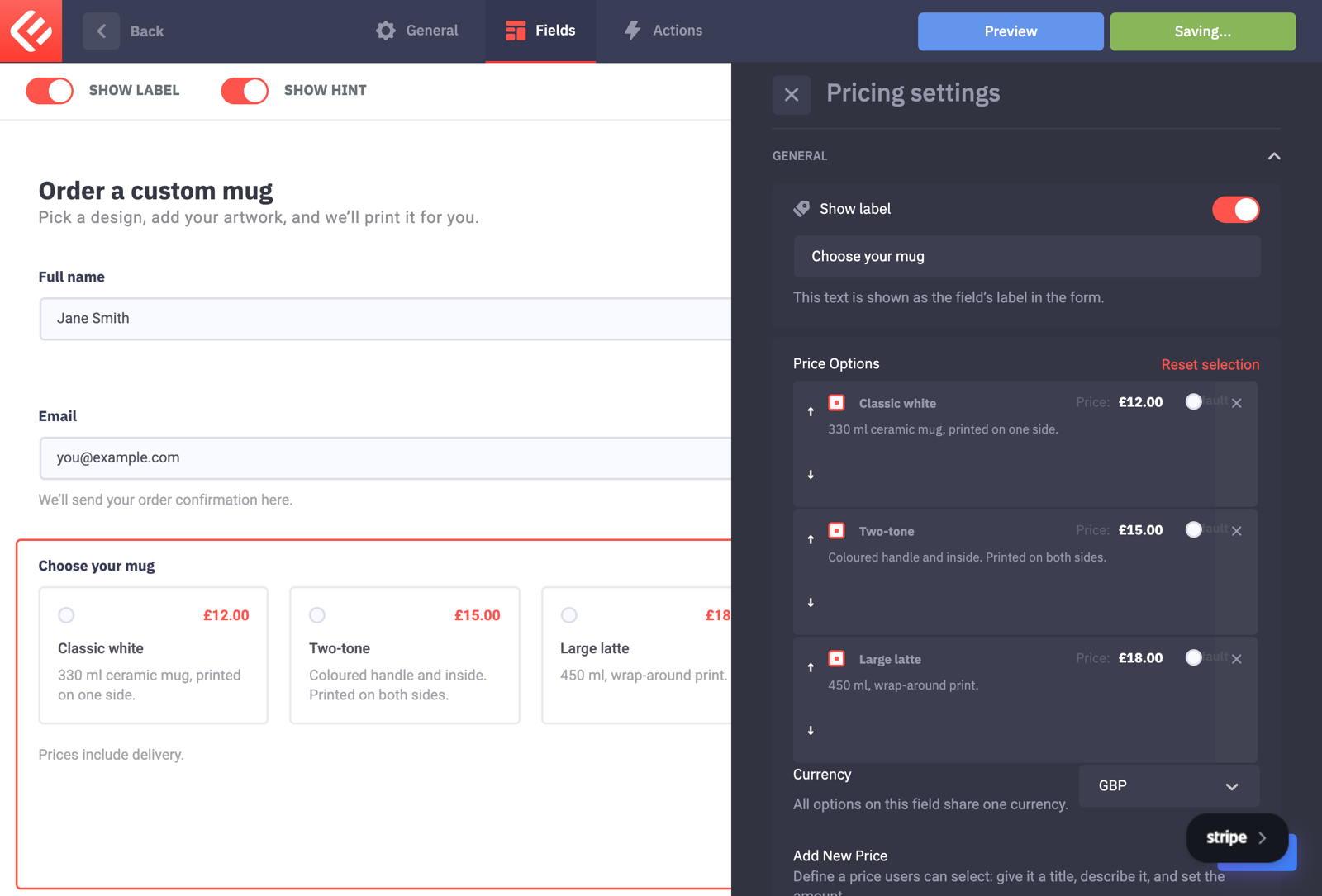
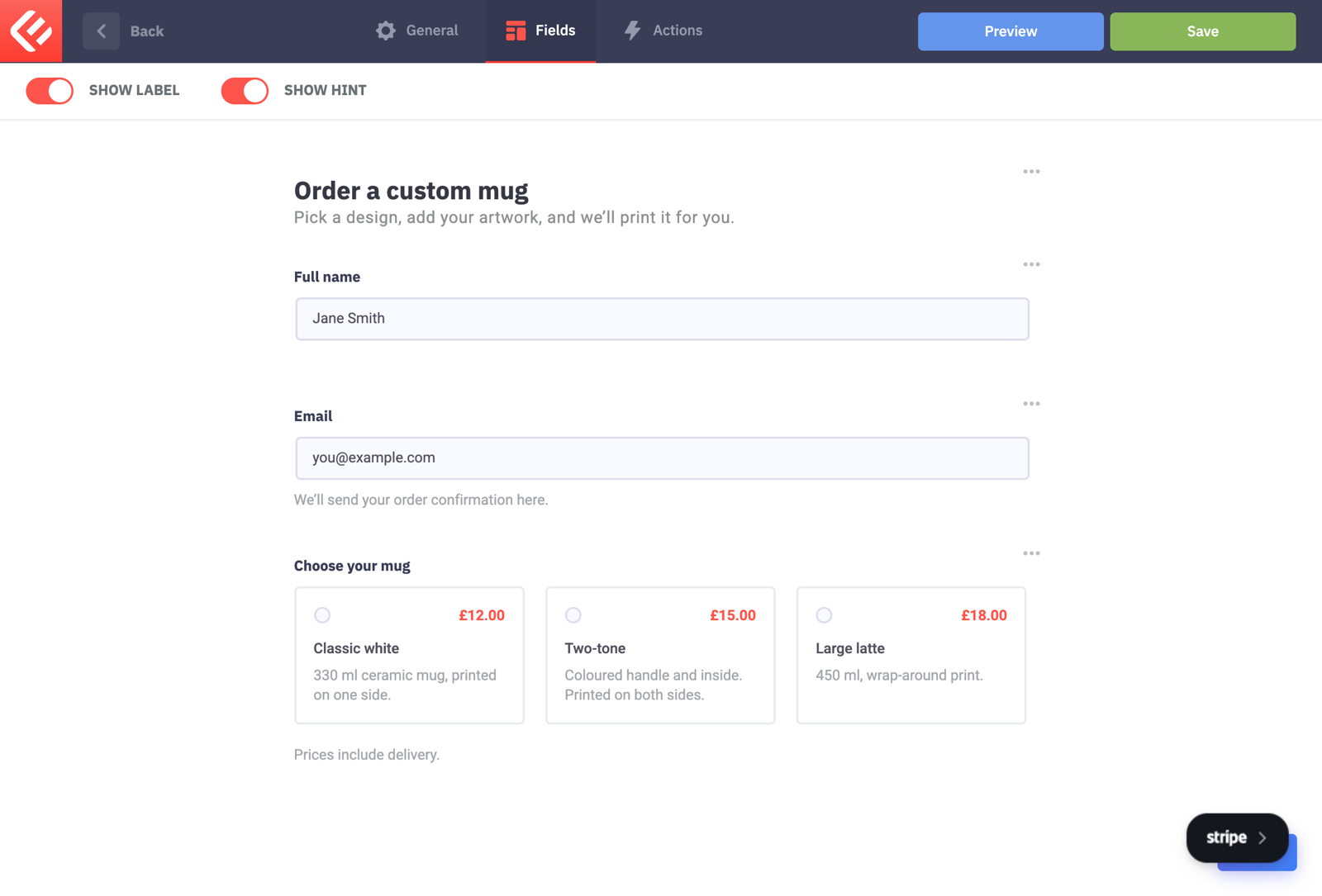
Add Full Name and Email, then a Pricing field (Epic Forms Pro). Under Price Options, add each product with a name, description and price. Switch on Display prices as tiles for the card look.
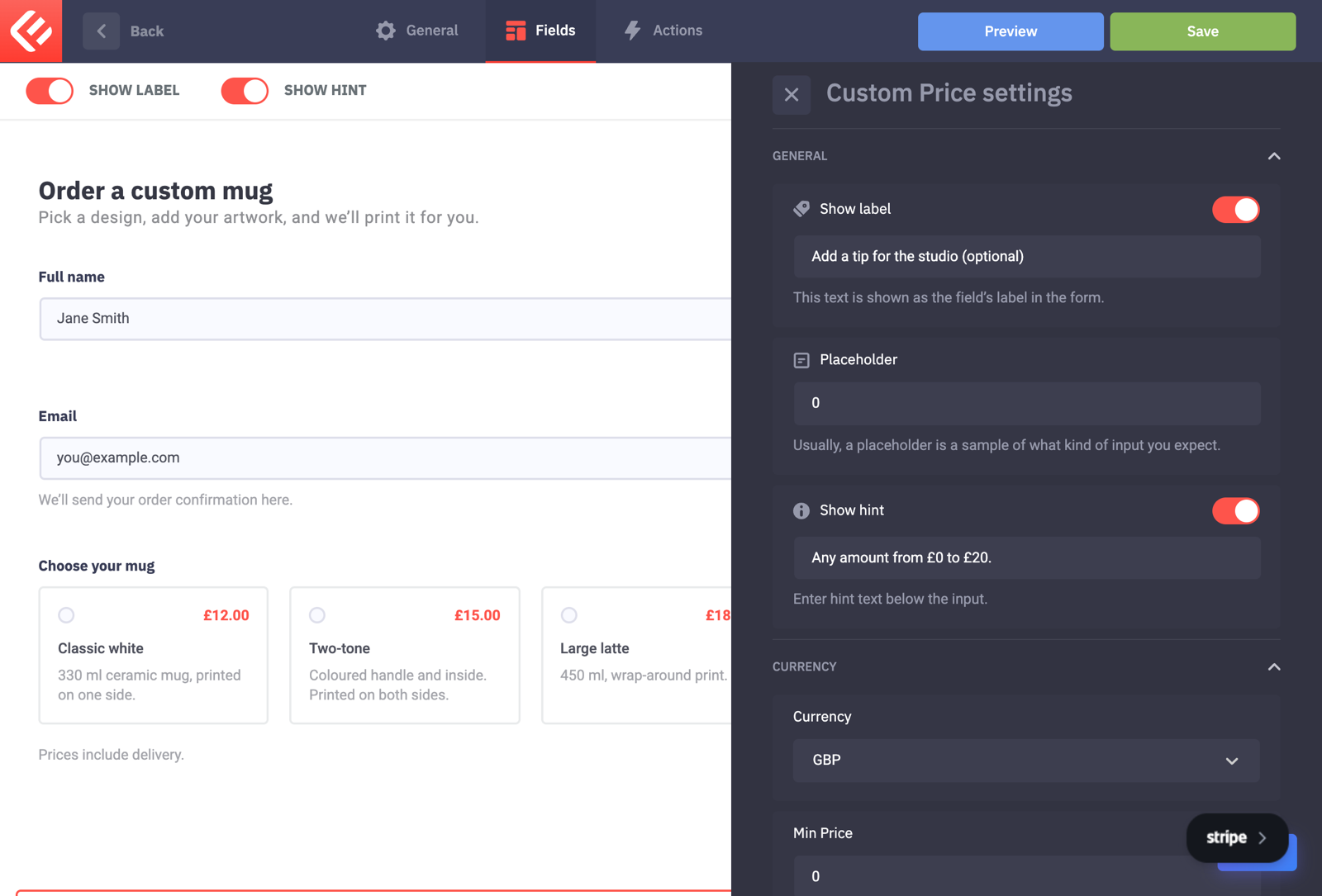
Add a Custom Price field so visitors can type their own amount, such as a tip. Set Min Price and Max Price to keep it sensible.
Add a Local Upload field for artwork. In its settings, allow one file, choose the file types (images and PDF) and set a size limit.

Add a Total field: it adds up the chosen product and the tip as the visitor fills the form in.
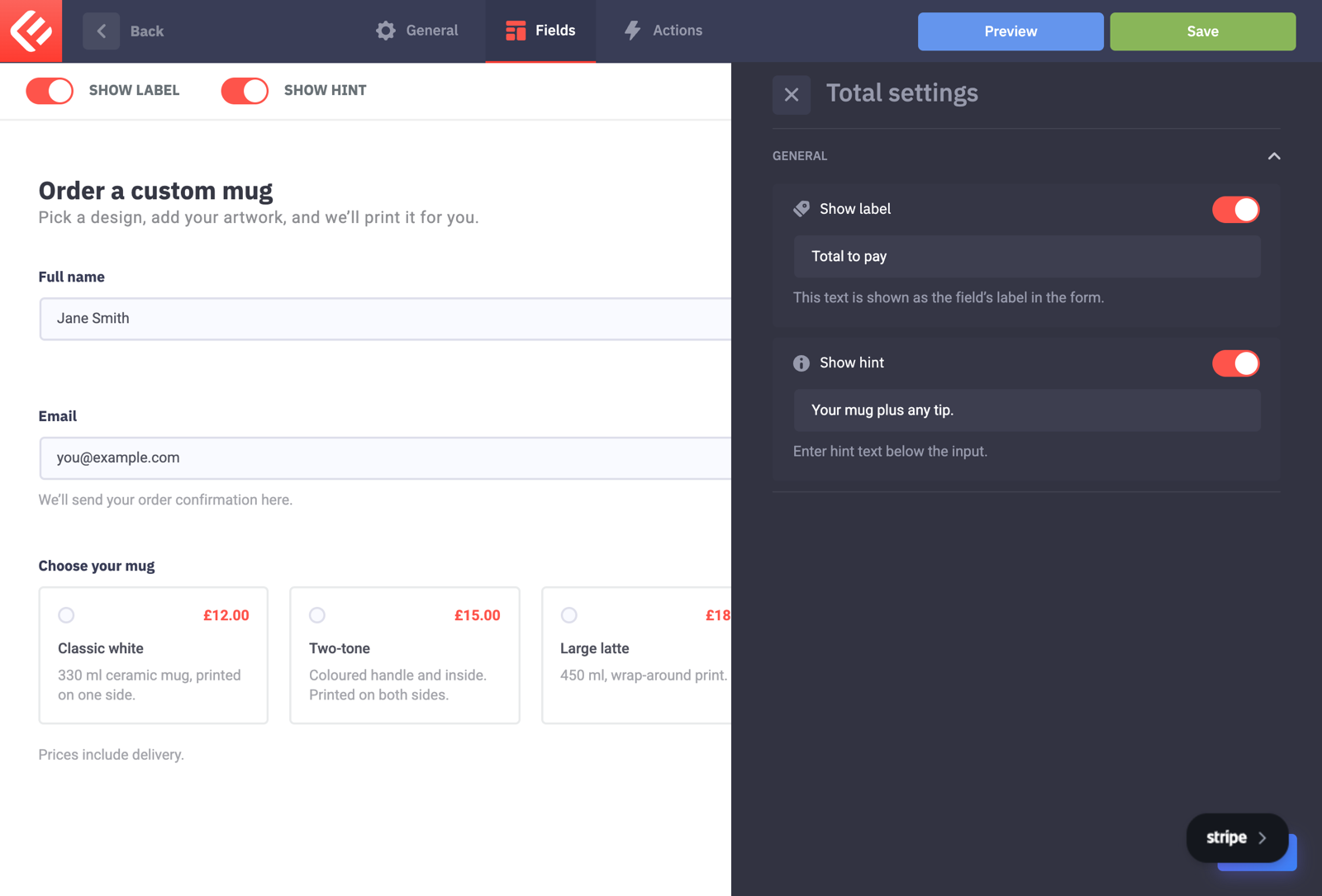
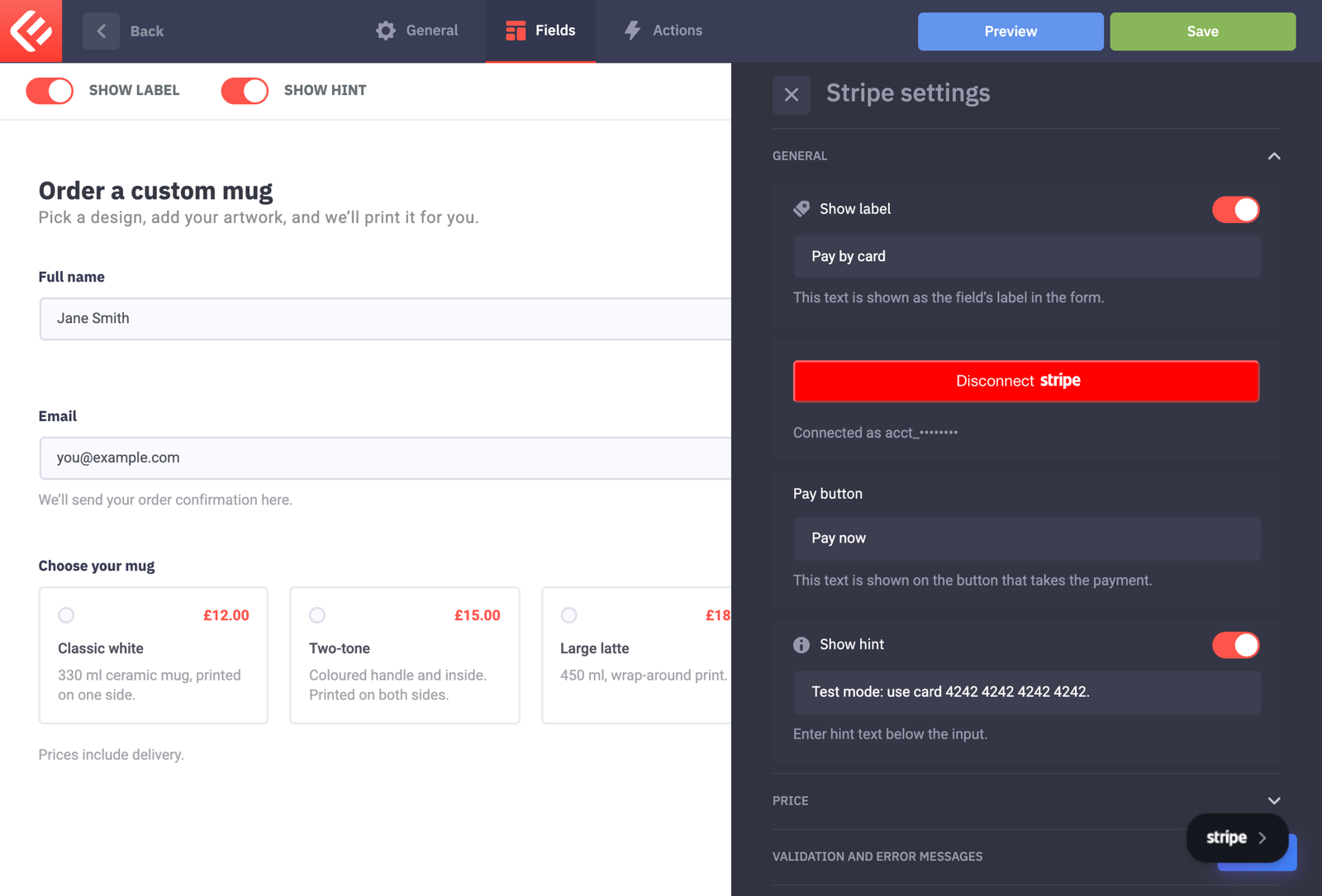
Add a Stripe field and leave its price empty: it charges the total of the pricing fields.
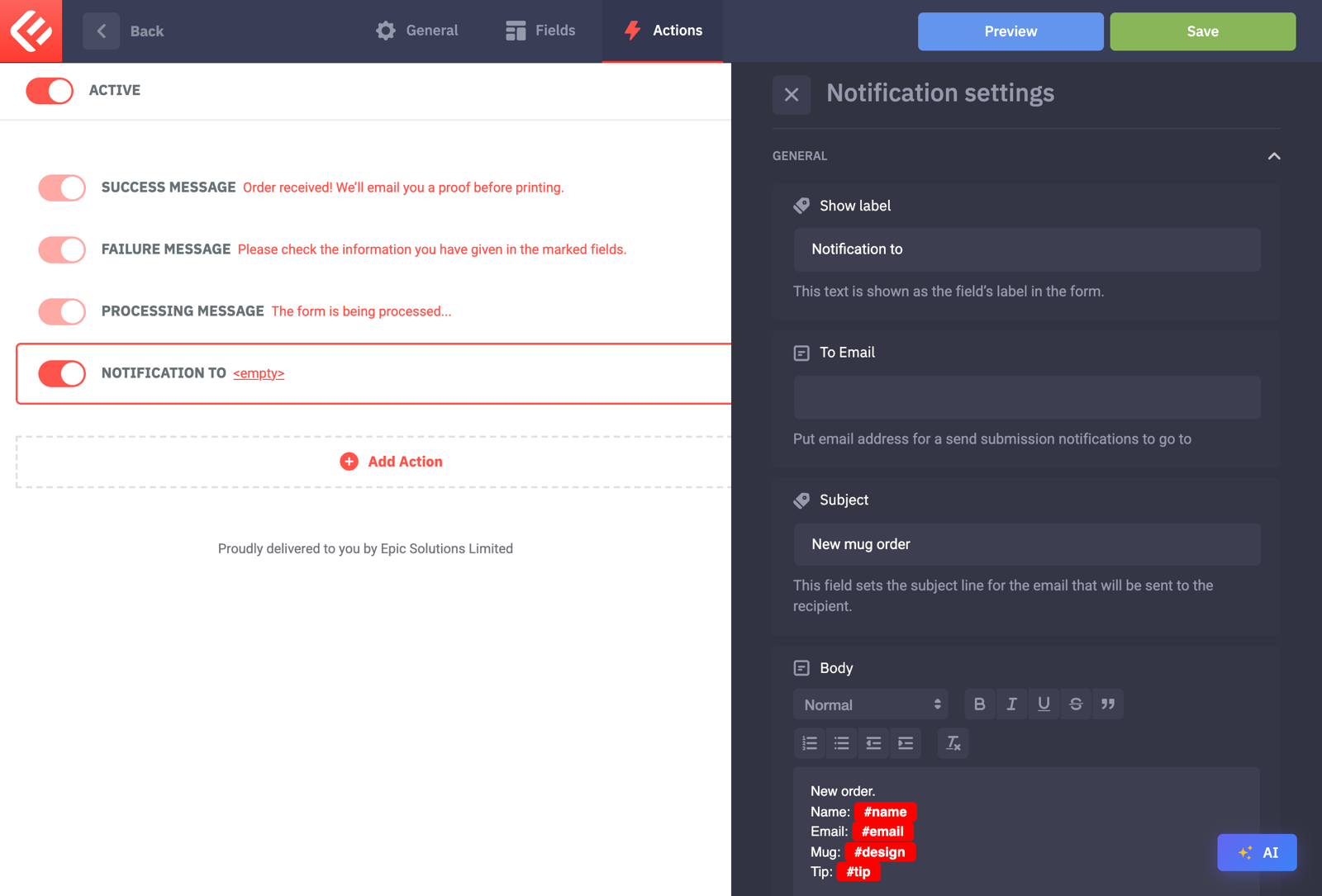
Add a Notification on the Actions tab so you get every order by email.
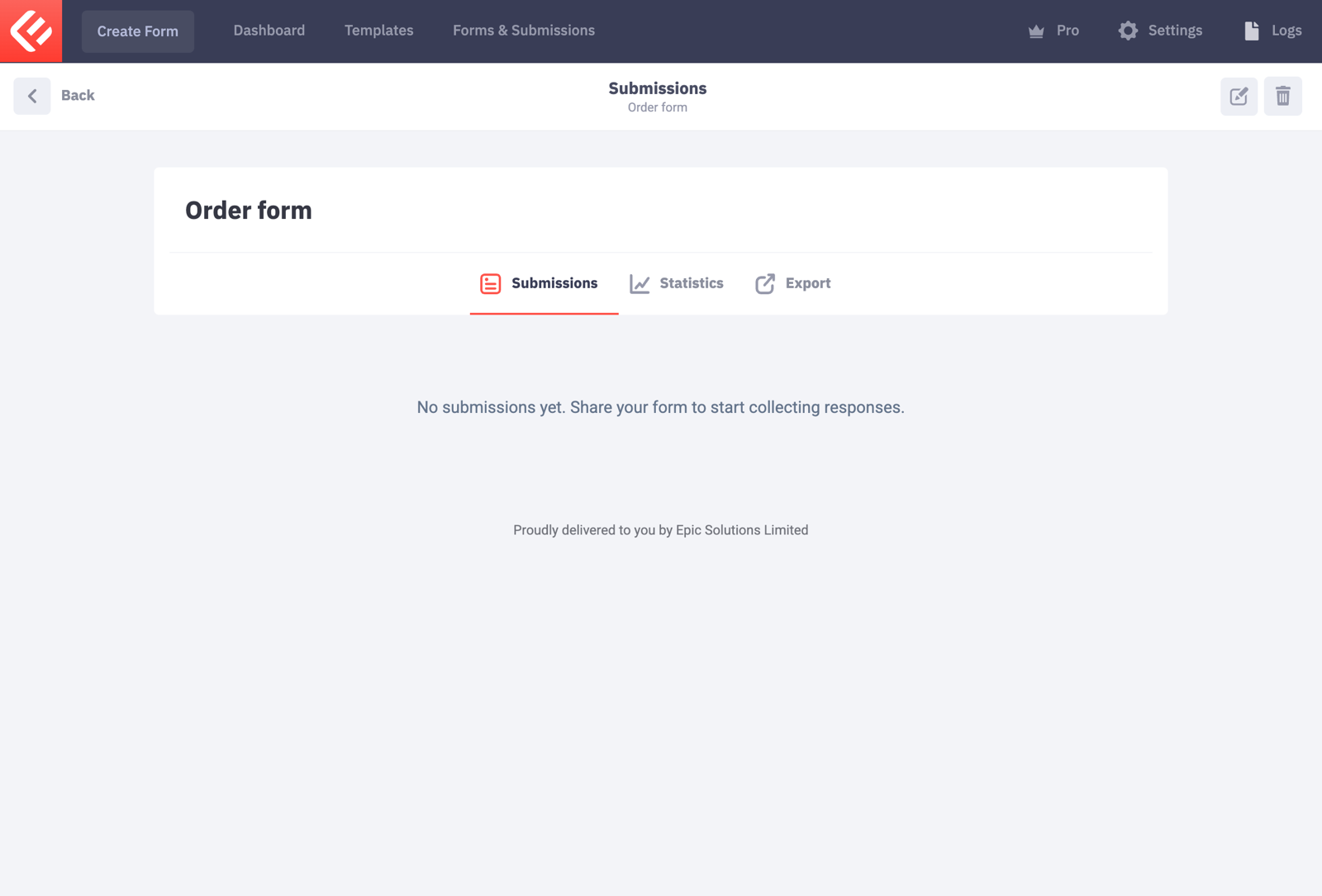
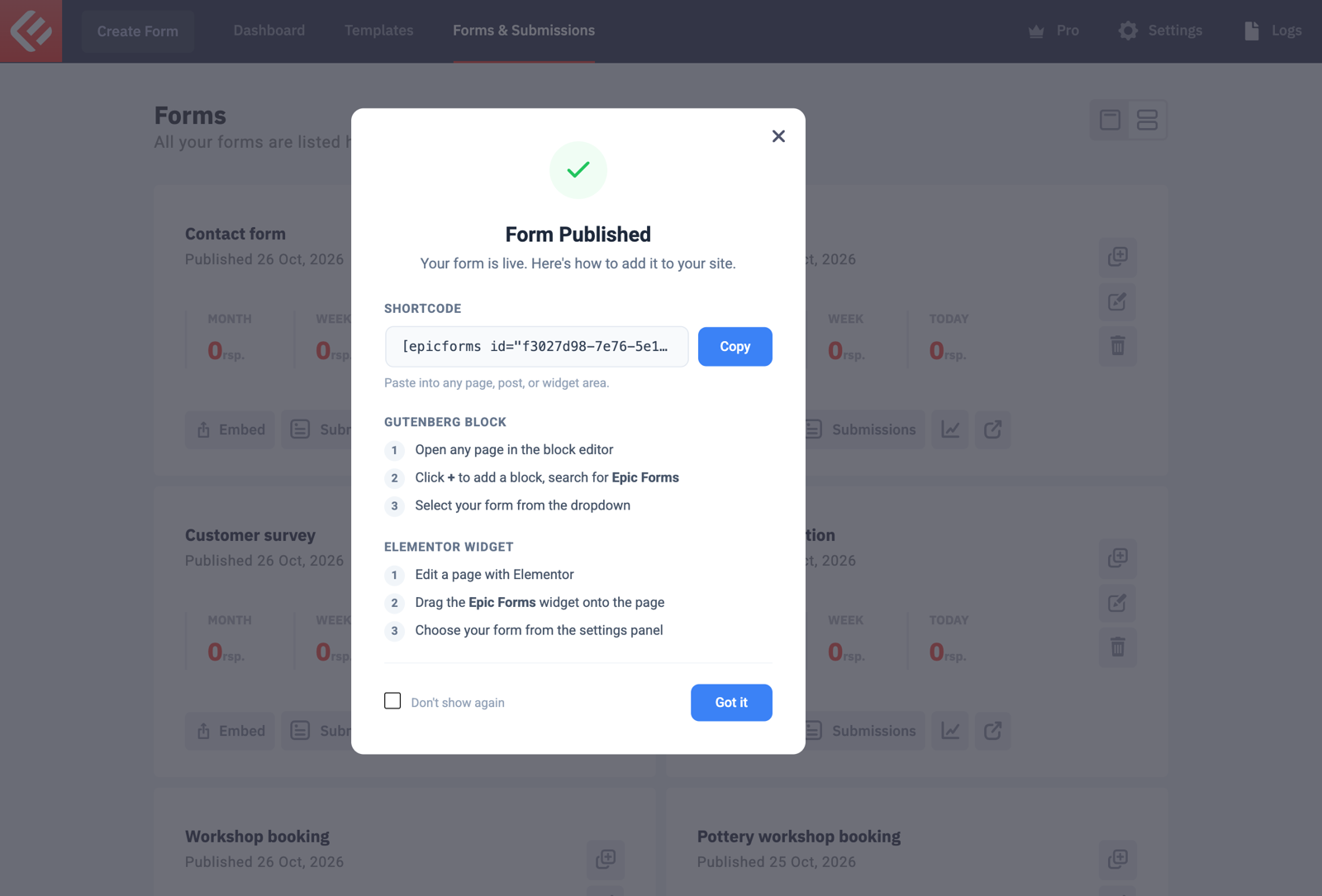
Click Save to keep your changes, then Publish. Visitors only see a form once it’s published.
Put the form on a page: in Forms & Submissions click Embed on your form’s card. Copy the shortcode into any page, or add the Epic Forms block in the block editor and choose your form.
Open the page and fill in the form yourself to test it. Every submission appears in Epic Forms → Forms & Submissions under your form’s Submissions tab.