A longer form split into four short steps with a progress bar. Questions appear and disappear as people answer, and an uploaded CV stays put when they go back.
Try it
Answer “No” to the right-to-work question to see the visa question appear. Upload any small PDF, go Back, then Next: it’s still there.
How it’s built
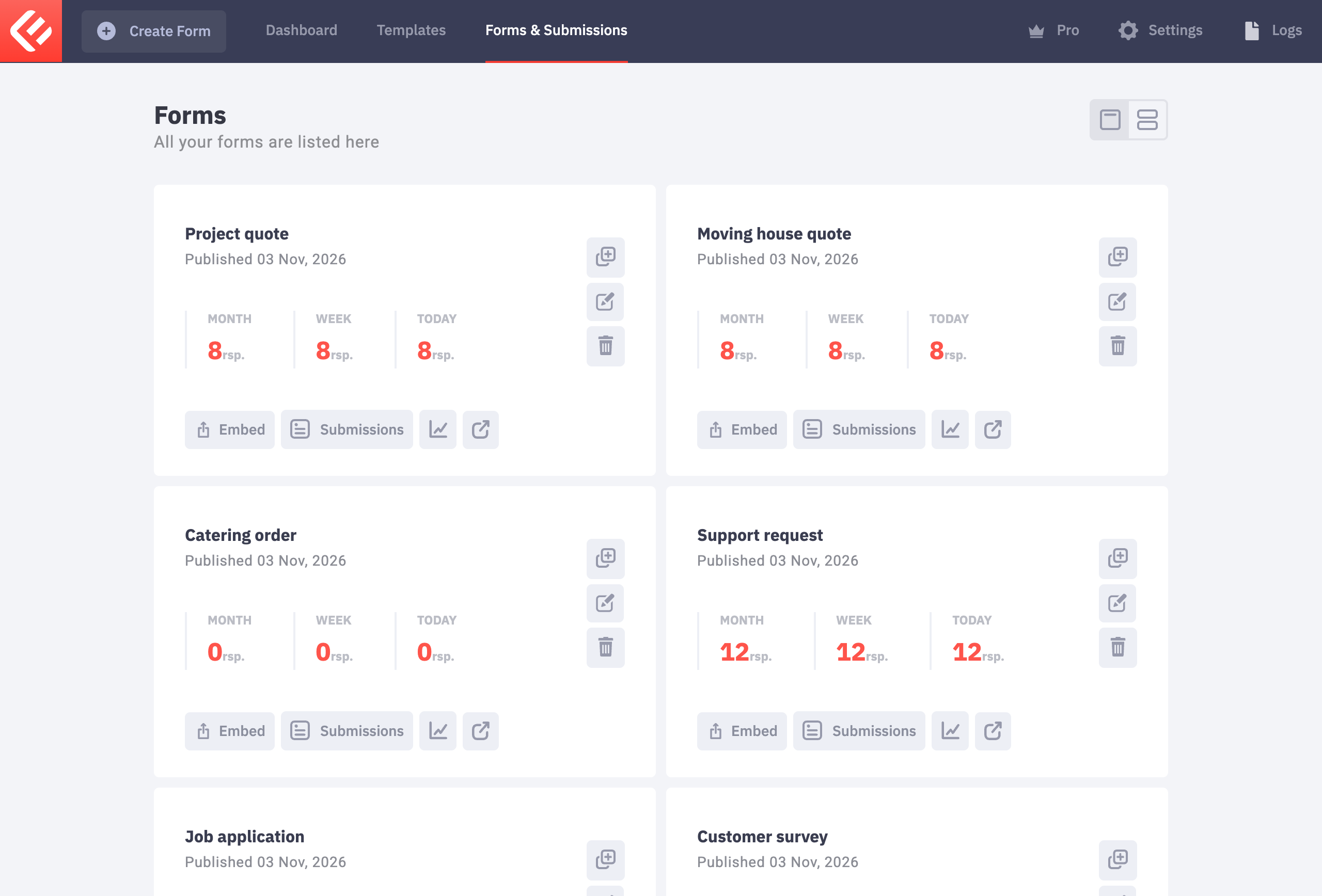
In your WordPress admin, open Epic Forms → Forms & Submissions and click Create Form. Give it a name you’ll recognise later.
Build each question as on any form: click Add Field, set its label, switch on Required where an answer is needed, and give it a data tag for emails. New to Epic Forms? The contact form guide covers these basics step by step.
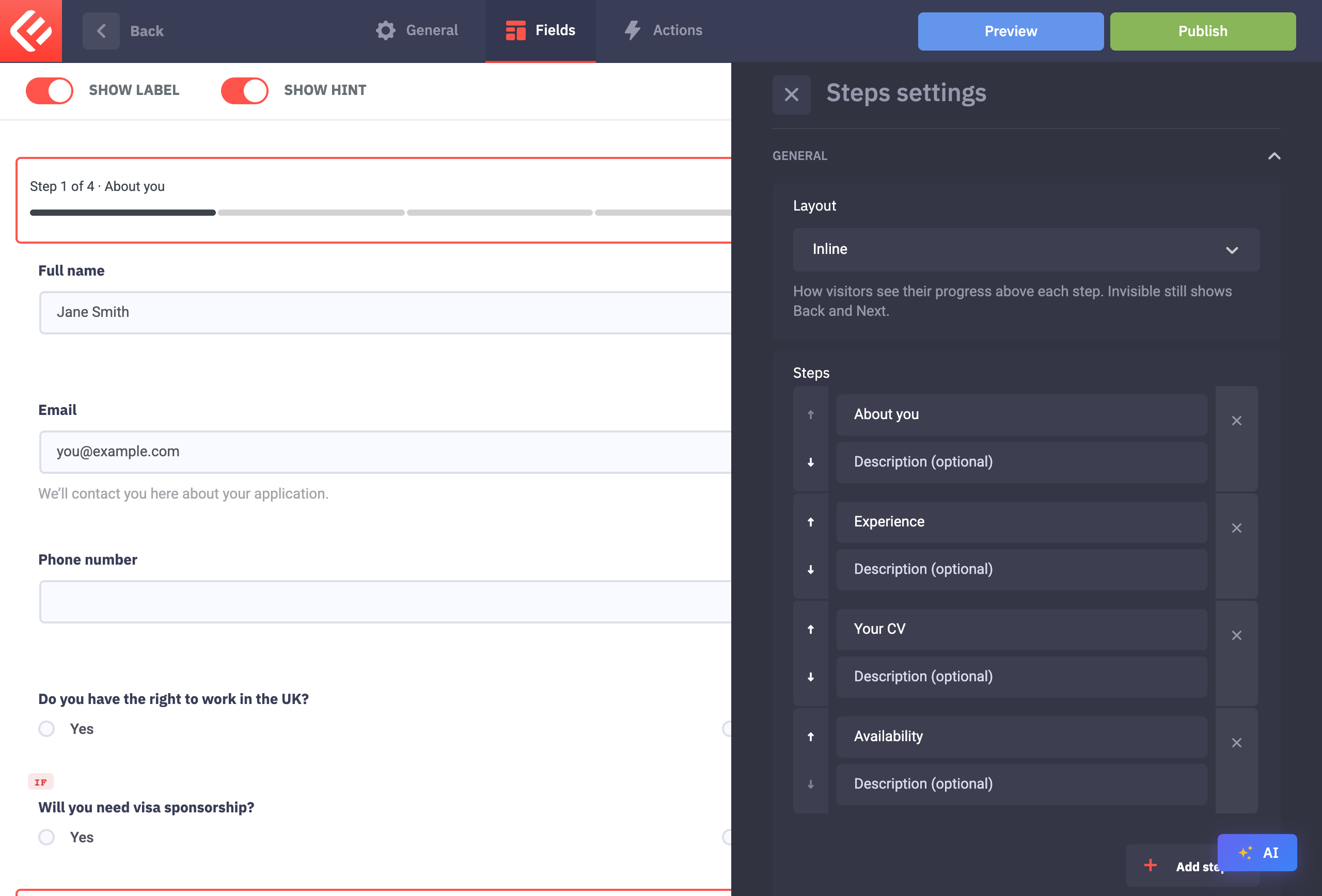
Click Add Field and add Steps (Epic Forms Pro), then click the step indicator to open its settings. Under Steps, click Add step until you have four and name them About you, Experience, Your CV and Availability. Under Layout choose Inline: a progress bar that fills up as visitors move through the form.
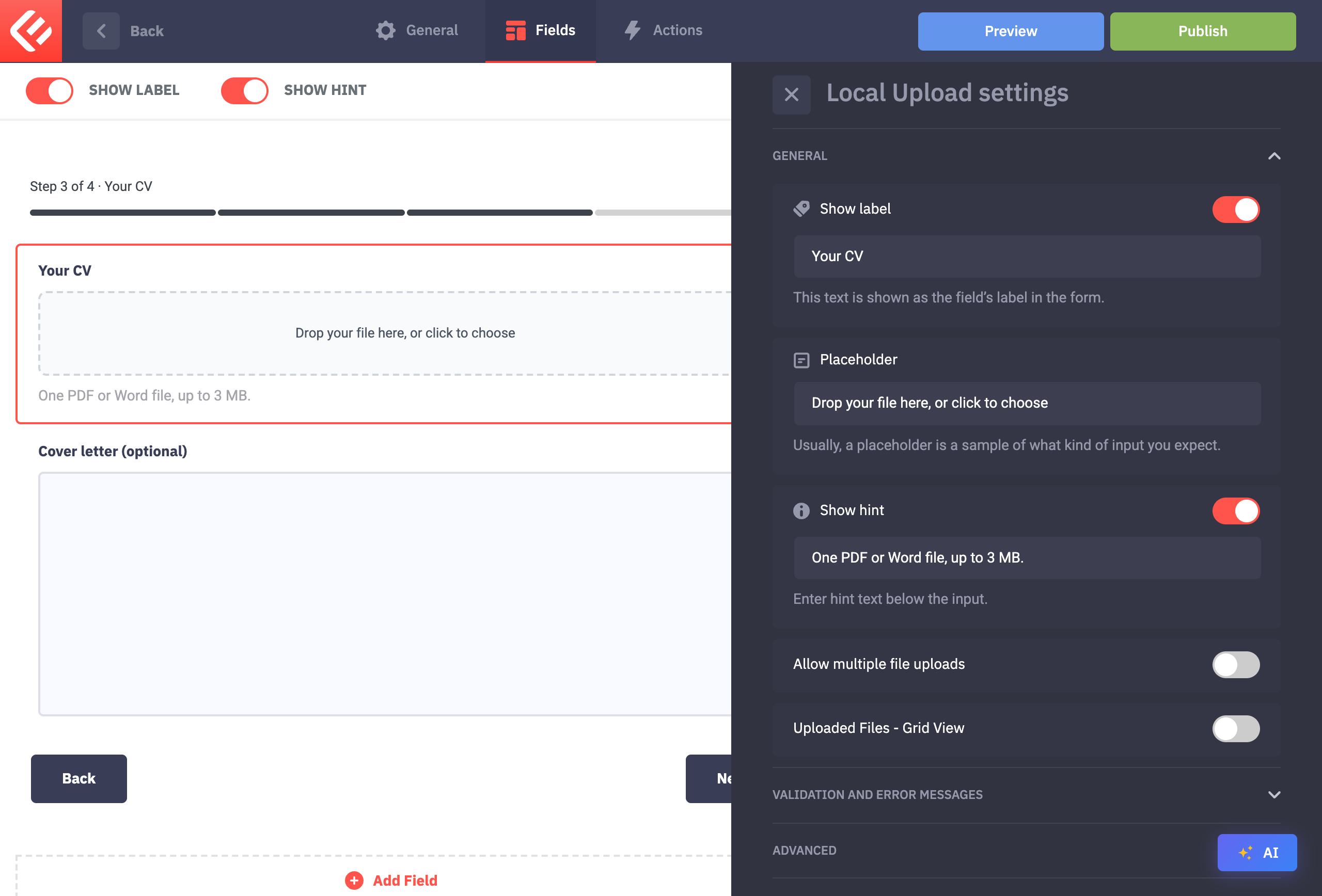
On the Your CV step, add a Local Upload field (Epic Forms Pro). In its settings, leave multiple uploads off. Under Validation and error messages, switch on Required, choose a Max file size allowed, and under File types allowed tick PDF and both Microsoft Word types (.doc and .docx).
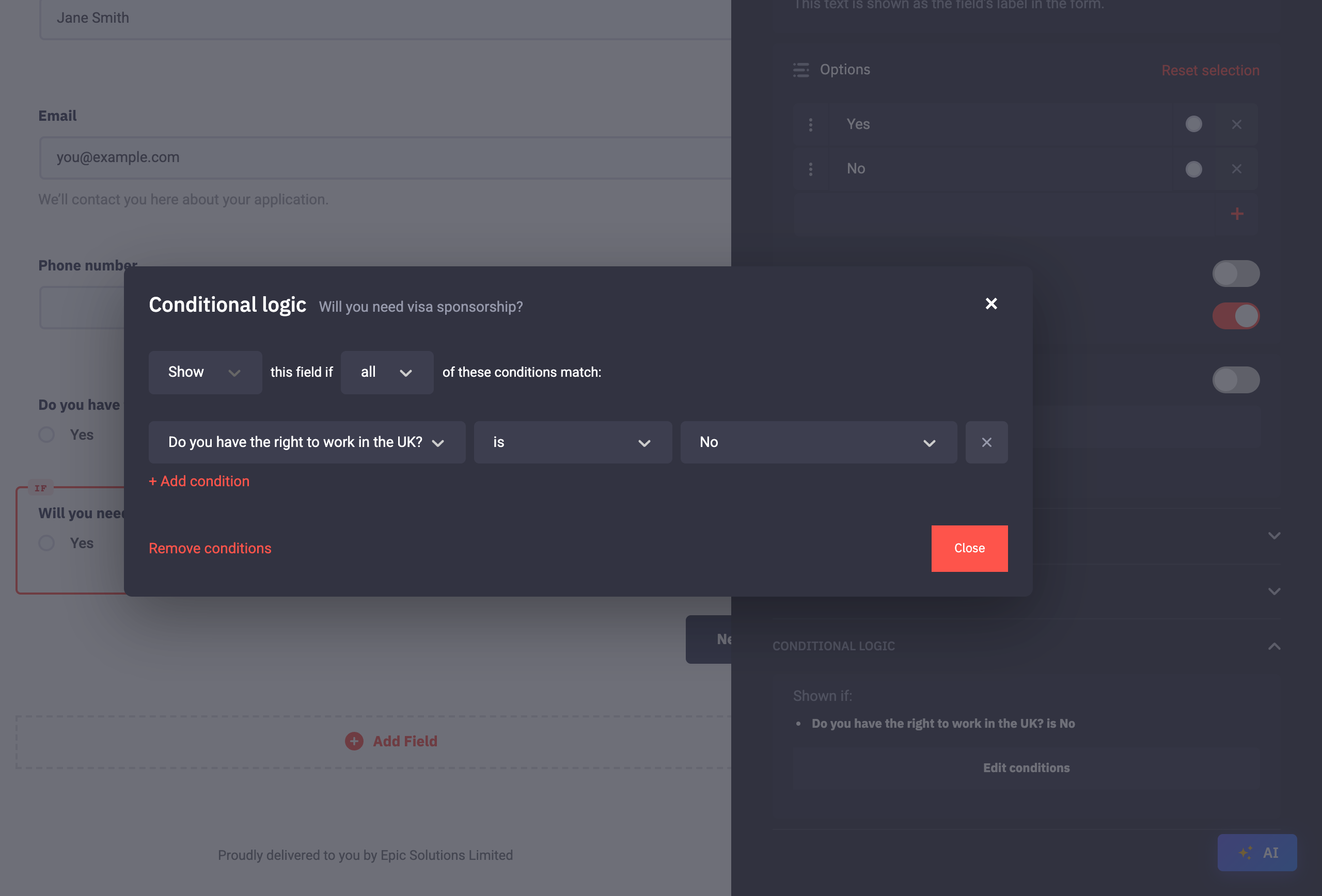
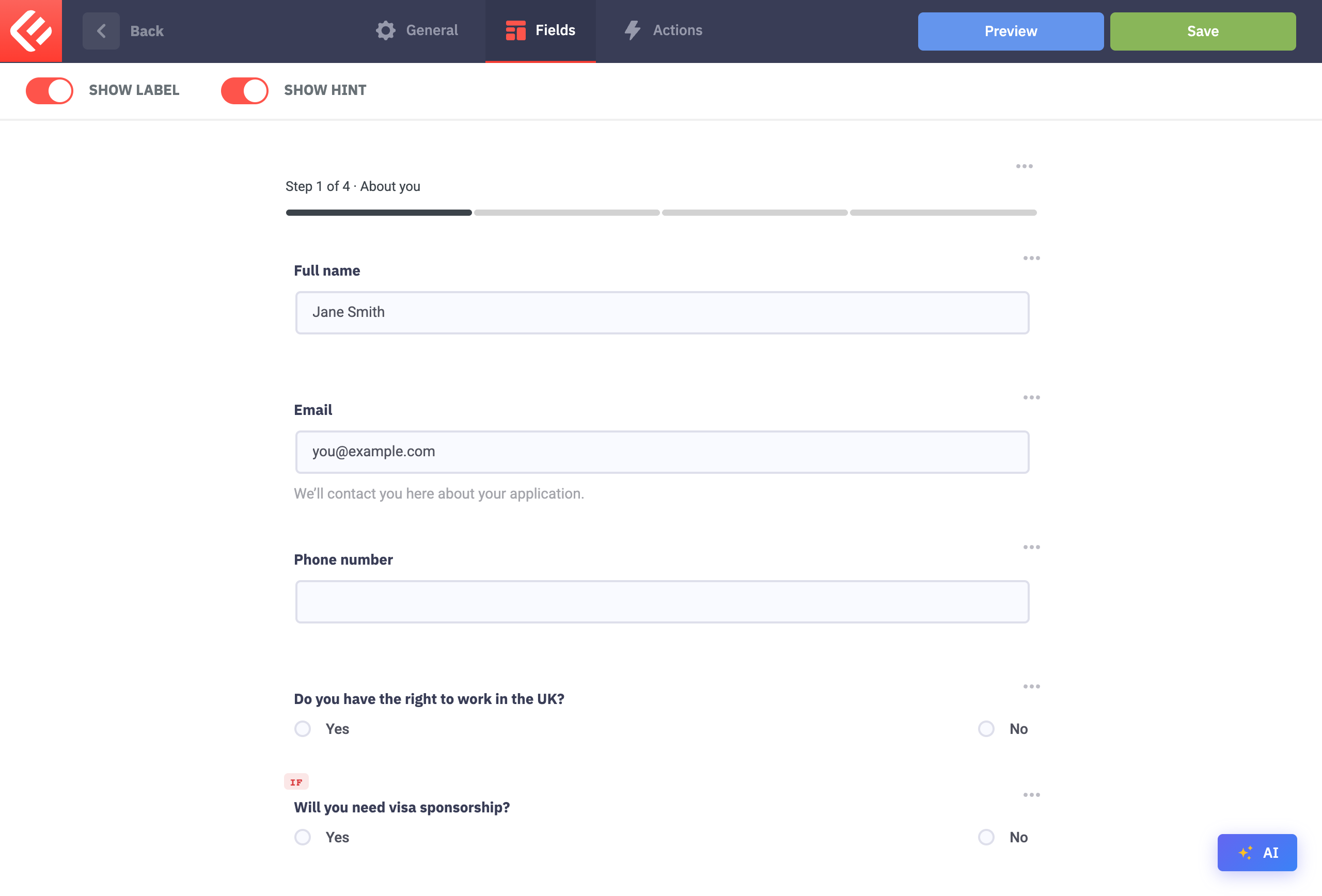
Show a question only when it applies. Click Will you need visa sponsorship?, open Conditional logic at the bottom of its settings and click Add condition. Set Show this field if Do you have the right to work in the UK? is “No”. The portfolio link works the same way: shown when the role is “Designer”.
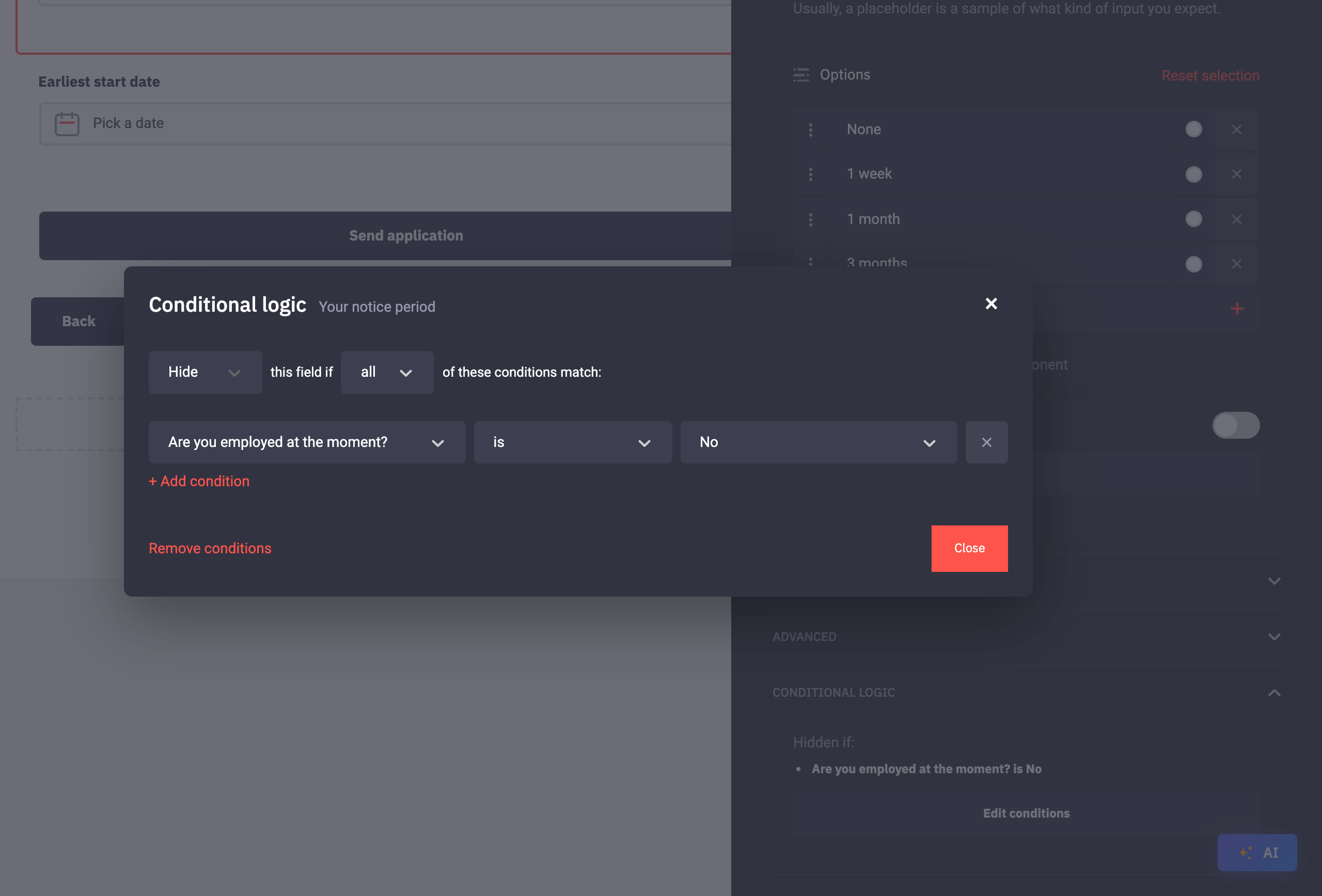
Or hide one when it doesn’t. The notice period is asked by default, so its condition is the other way round: Hide this field if Are you employed at the moment? is “No”.
A hidden question is never required: the visa and portfolio questions are marked Required, but only when they’re shown. Visitors can go Back to any step and every answer is kept, including the uploaded CV.
Click Save to keep your changes, then Publish. Visitors only see a form once it’s published.
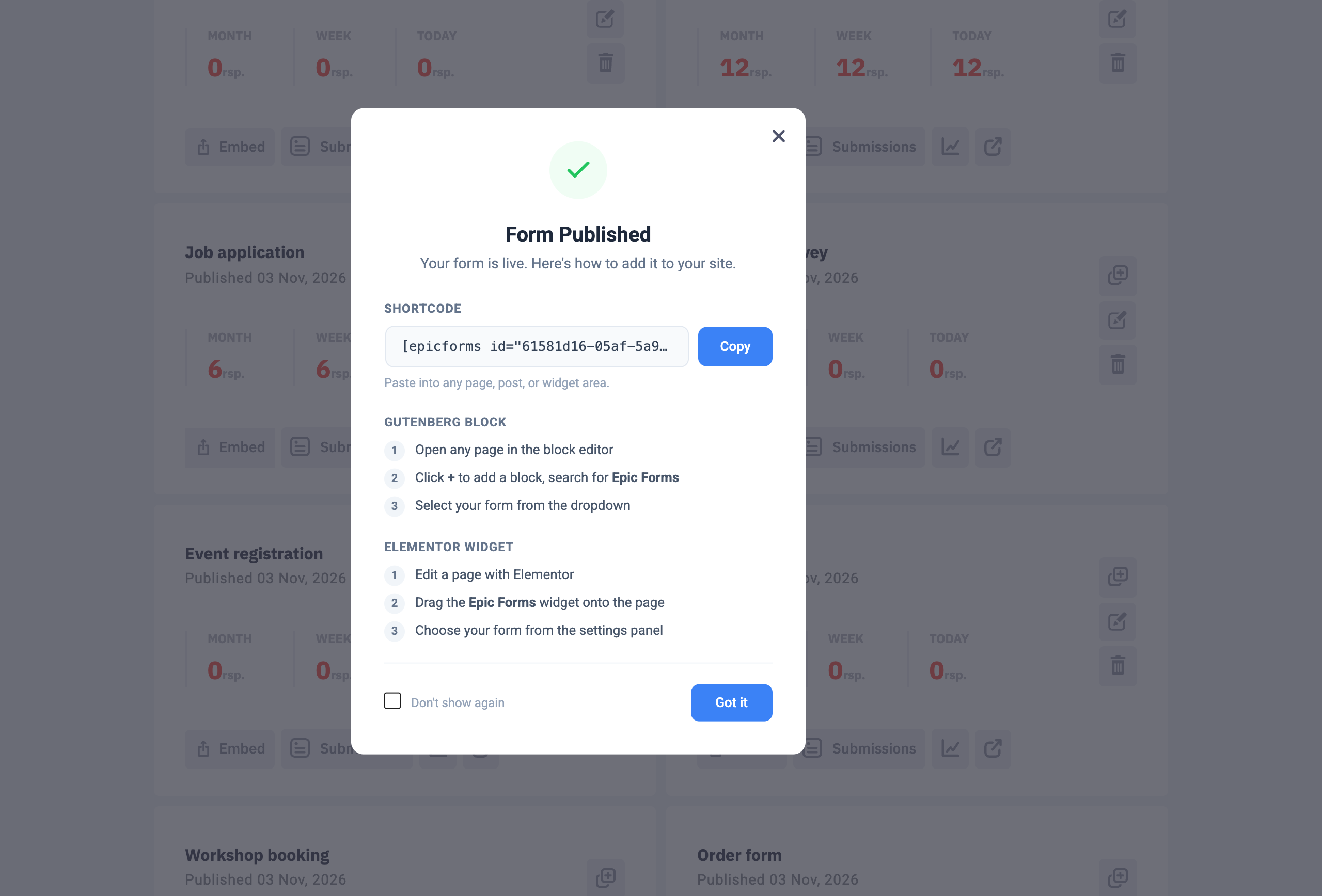
Put the form on a page: in Forms & Submissions click Embed on your form’s card. Copy the shortcode into any page, or add the Epic Forms block in the block editor and choose your form.
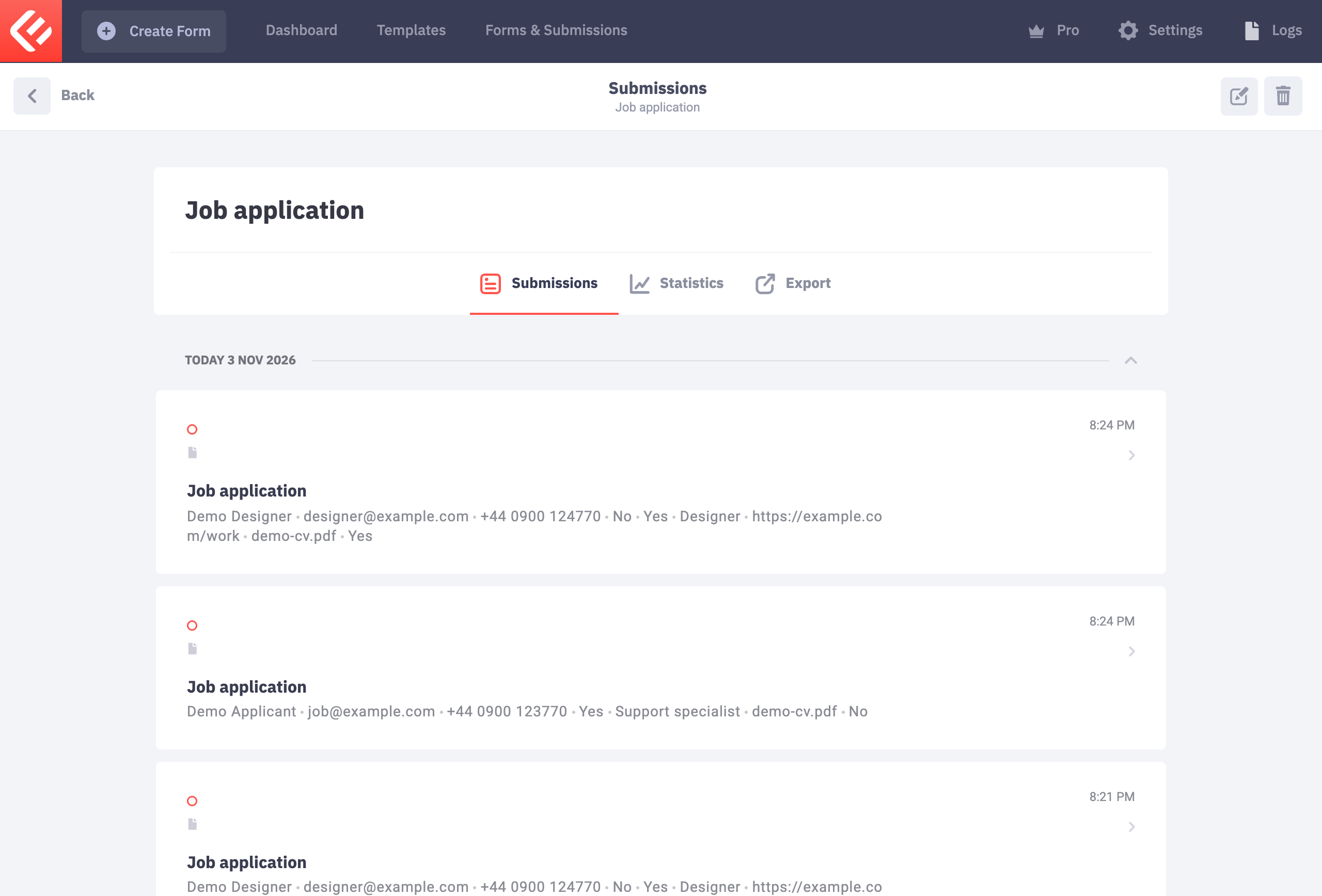
Open the page and fill in the form yourself to test it. Every submission appears in Epic Forms → Forms & Submissions under your form’s Submissions tab.